IT asset management (ITAM) for small businesses: a practical guide
How a small business can organize computers, licenses and contracts without red tape, when a spreadsheet stops being enough and what to look for in IT asset management software.
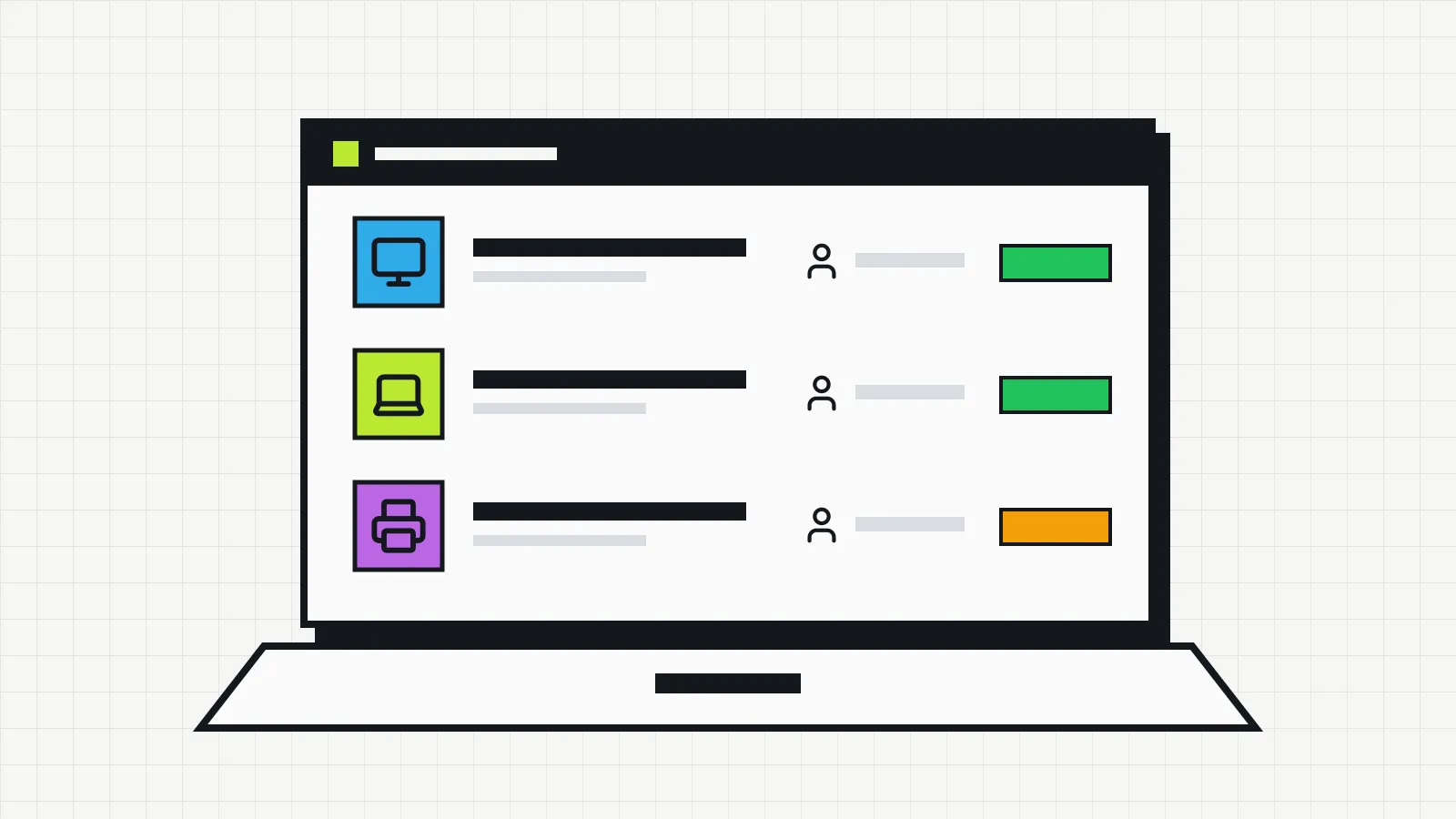
Someone in accounting asks for a new computer because theirs is slow. Somebody has to decide whether to replace the machine or just upgrade it, but nobody knows for sure when it was bought or whether it is still under warranty. The same week, the office printer fails again and the technician asks when it was last serviced. The answer may be in an old email.
This is common in small businesses. A laptop moves to another office and the spreadsheet still shows the old room. An employee leaves and it takes days to confirm which devices they had. A monitor sits in the storeroom while another one is bought for a new hire.
The team is usually competent. What is missing is a process for keeping track of IT equipment. The information exists, but it is spread across spreadsheets, invoices, labels and the memory of whoever looks after technology.
To get started, you need to know which devices you have, where they are, who uses each one, what condition they are in and when they need maintenance or replacement. A more formal governance structure can wait until it is actually needed.
IT asset management in a few words
The ISO/IEC 19770-1 standard, the international reference on the subject, defines IT asset management (ITAM) as the coordinated activity of an organization to realize value from its IT assets. Realizing value, here, means balancing the cost, risk and performance of each resource for as long as it is in use.
In practice, this means keeping reliable information about each device from purchase to disposal. The standard leaves it to each organization to define the stages of the life cycle. In a small business, it usually goes through purchase planning, acquisition, handover to the user, use and maintenance, and finally replacement or disposal. Each stage is explained in the article on the IT asset lifecycle.
A list of equipment records what existed on the day it was made. Asset management updates those records with every purchase, move or repair and uses the information to decide, for example, when to replace a machine or whether a maintenance contract is worth renewing. The full concept, with what goes into the inventory, is in what is IT asset management.
ITAM and ITSM (IT service management) often appear together, but they focus on different things. ITAM looks after assets throughout their life cycle. ITSM deals with delivering IT services, such as handling tickets and supporting users. How the two relate is covered in ITAM vs ITSM.
What IT assets a small business has
Under ISO/IEC 19770-1, an IT asset is any item that can be used to acquire, process, store or distribute digital information and that has value to the organization. The standard includes equipment (physical or virtual), software, media, licenses with their proof of license, and contracts. Contracted services, such as cloud software, hardware maintenance and support, can also be treated as assets. Information itself, such as the content of documents and spreadsheets, is not an IT asset.
These assets usually fall into five groups:
- Computers and devices: desktops, laptops, monitors, tablets and company phones.
- Infrastructure: servers, routers, switches, Wi-Fi access points, UPS units and printers.
- Peripherals and accessories: keyboards, mice, webcams, headsets, docks and other items that move between employees.
- Software and cloud services: program licenses, business systems and subscriptions such as Microsoft 365 or Google Workspace. When the work focuses only on this part, the standard calls it software asset management (SAM).
- Contracts: extended warranties, maintenance and support contracts, leased equipment.
Not all of these items need the same level of detail. The standard uses the term critical asset for one whose absence can seriously affect the company’s objectives. A laptop used every day or the file server justifies recording the serial number, owner, warranty and maintenance history. For a mouse, knowing how many are in stock may be enough. You decide what falls within the scope of tracking and in how much detail.
For a first round, the simplest path is to start with the physical devices of highest value and use, such as computers, laptops and printers. The inventory can grow gradually as the routine settles in.
Why IT asset management pays off in a small business
With ten or twenty computers, the lack of a reliable inventory already causes real problems. The benefits show up in small decisions that repeat throughout the year.
Knowing what equipment you have
A central IT inventory brings together what is scattered today. Each asset gets an asset number, a location, an owner and a current status, such as in use, in stock, under maintenance or disposed. When someone asks where the laptop that came back from repair is, the answer is one search away. The article on IT asset tagging explains how to number and label each item.
Avoiding unnecessary purchases
Without information, it is easy to buy what you already have. A monitor forgotten in a cupboard, a laptop returned by a former employee and never reassigned, a license paid for someone who no longer uses the program. Early replacements happen too, when a machine is swapped because it looks old even though it still does the job. With the inventory at hand, the manager checks what already exists before approving a new purchase.
Planning maintenance and replacement
Recording the purchase date, warranty period, maintenance done and condition of each device helps anticipate problems. The standard distinguishes preventive action, taken before a failure, from corrective action, taken afterwards so the problem does not happen again. With the history in view, it is easier to contact the manufacturer before the warranty ends, spot the printer that breaks down every month and forecast which computers will need replacing next year. The computer preventive maintenance checklist organizes these checks by frequency.
Improving information security
Knowing your own devices is the starting point for protecting them. With an up-to-date inventory, it is easier to notice an unknown device on the network, organize system updates and see which machines still run old versions. The Center for Internet Security (CIS) lists inventory and control of enterprise assets as the first of its recommended security controls.
An inventory alone does not stop attacks and does not replace antivirus, updates, backups or access control. What it adds is visibility: it is hard to protect a device nobody knows exists.
Organizing handovers and returns
Knowing who uses each device and where it is makes it easier to hand a laptop to a new employee, move a machine between departments and collect equipment when someone leaves. With the record available, you can check what needs to come back without relying on anyone’s memory. An employee equipment agreement formalizes the handover and the return. For technicians and outsourced support companies, this history also speeds up their work.
Buying based on data
Age, condition, fault history and usage are the information behind a good purchase decision. With them, the manager prioritizes replacing the devices that get in the way of work, justifies the spending and avoids buying what is already sitting idle in storage. To work out what the equipment is worth today, see the article on IT equipment depreciation.
How to manage IT assets in practice
You can start without consultants or bureaucratic processes. Six steps are enough to build a solid base.
- Identify the assets. Walk through the rooms, talk to employees and list the relevant devices and technology resources. Computers and laptops are usually the best starting point, since they concentrate the items of highest value and use.
- Centralize the information. Bring everything into one place, with the asset number, type, manufacturer, model, serial number, location, owner and status of each asset, as it makes sense for each category.
- Record what helps you decide. Include the purchase date, warranty, maintenance, moves and planned replacement whenever this data exists and is useful.
- Assign responsibilities. Decide who can add, update and consult the records. One or two people can usually handle it.
- Keep the inventory up to date. Record purchases, transfers, repairs, returns and disposals as soon as they happen. A physical check every six months, a kind of simple internal audit, corrects whatever slipped through.
- Use the data to plan. Check the inventory before buying equipment, renewing contracts or replacing machines.
The process can be gradual. An inventory that covers only computers and printers but is always correct is worth more than a complete register nobody updates. The step-by-step survey is in the guide on how to do an IT inventory.
Spreadsheet or IT asset management software?
With few devices and little movement, a well-organized spreadsheet may be enough. It costs nothing, almost everyone knows how to use it and you can start today.
As the company grows, manual upkeep gets harder. Different copies of the same file appear, columns are filled in different ways and there is no history of what changed, when and by whom. Little by little the spreadsheet stops reflecting reality, and people stop trusting it. The signs that this point has come are in the article on IT inventory spreadsheets.
IT asset management software brings this information into a single database and simplifies the tasks that repeat: adding a device, recording a transfer, checking what each employee has.
The choice depends on your current situation. If the spreadsheet is up to date and works well, it does its job. If tracking has become a source of doubt and rework, it is worth looking at a dedicated tool.
What to look for in IT asset management software
The best tool is the one the team can use every day. A simple system that is kept up to date usually delivers more than an enterprise platform full of features nobody will use. When evaluating, look for:
- registration and identification of devices, with asset numbers;
- a central inventory that is easy to search;
- a record of the location and owner of each asset;
- a history of moves and of each item’s status;
- purchase, warranty and maintenance records;
- search, filters and reports that are useful day to day;
- records that are easy to update;
- control over who can access the information;
- a cost that fits the size of the company;
- simple setup, with little need for training.
Not every product offers all of this. Before deciding, check the features, pricing and support. If possible, test the tool with a few real devices to see whether it fits your routine.
How Invbox helps with IT asset management
Invbox is IT asset management software made for small and mid-sized businesses that want to move off spreadsheets without running an implementation project. It runs in the browser, with no installation, and has a free plan for up to 20 assets.
Each device gets a record with its category, serial number, owner, location, department, supplier, invoice, purchase date and price, and warranty end date. The asset number is generated automatically with the company’s prefix, and the record shows how many days of warranty are left. The available statuses are active, maintenance, inactive and disposed.
Every change of owner, location or department is logged in the asset’s history, with the date and time, on every plan, including the free one. Maintenance entries have a description, date and cost. On the dashboard, the inventory health panel flags incomplete records, such as assets with no supplier or older than four years, and the estimated value shows what the equipment is worth today after depreciation.
If you already track your equipment in a spreadsheet, you can import it as CSV or Excel on both the free and Pro plans. Pro also gives each asset a QR code label that opens its record directly, and the filtered list can be exported to PDF or Excel.
These features cover most of the criteria in the list above. It is worth applying to Invbox the same test suggested for any tool: add a few real devices and see whether the records keep up with day-to-day work.
IT asset management does not have to be complicated
Good management starts with visibility and organization. Knowing what you have, where each item is, who uses it and what condition it is in prevents many everyday setbacks, from duplicate purchases to rushed replacements.
IT asset management in a small business can start with a basic inventory, gain a simple update routine and grow as needs grow. Consistency matters more than how sophisticated the tool is.