How to do an IT inventory: a step-by-step guide for small businesses
A six-step plan to survey the company's computers, phones and software, confirm each item with the person who uses it and keep the IT inventory up to date.
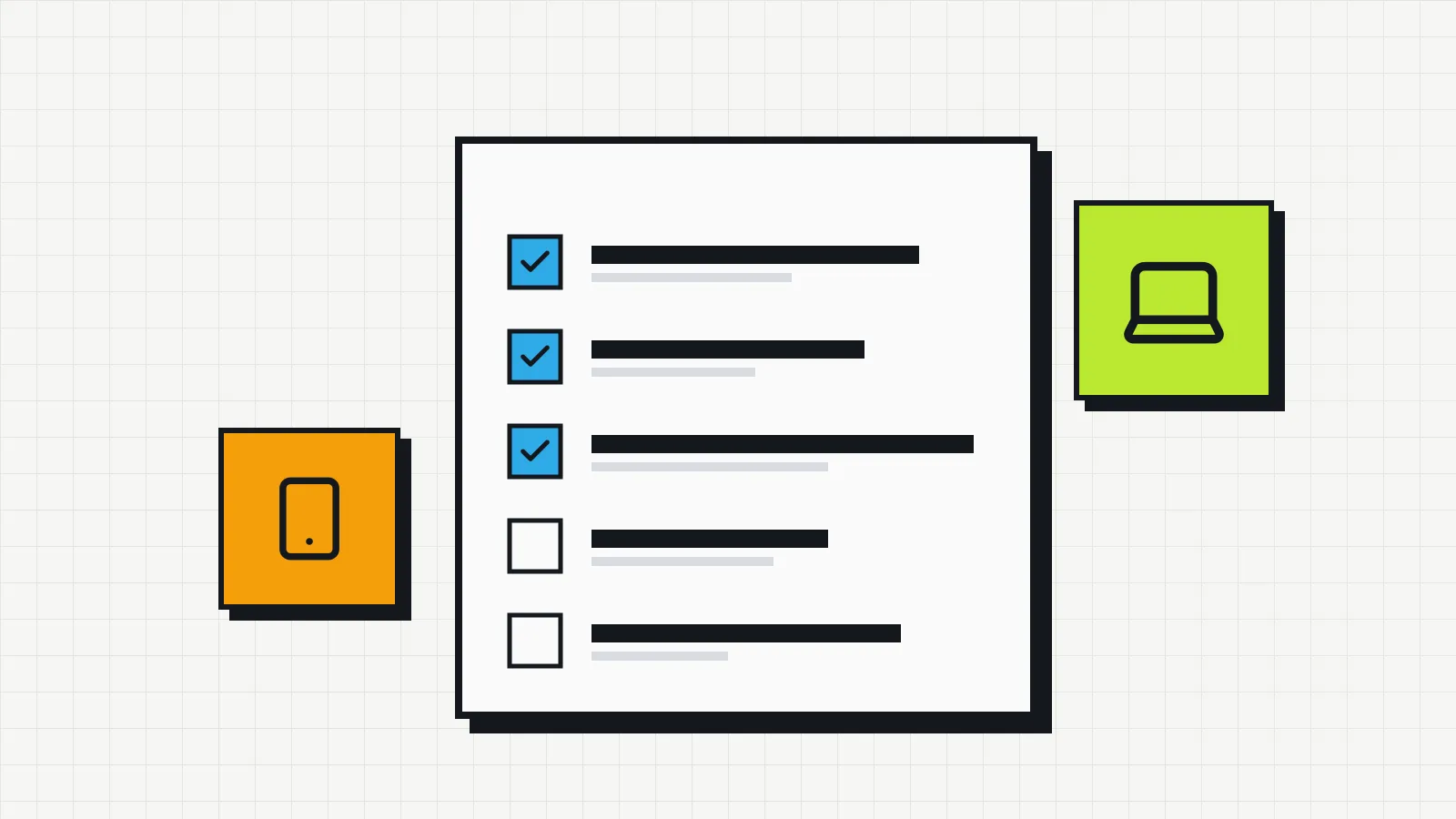
Doing an IT inventory means surveying all of the company’s equipment and software, recording the details of each item and confirming who is responsible for it. The survey itself takes anywhere from a few hours to a few days, depending on the size of the operation. The real work comes afterwards: keeping the records accurate when people change desks, leave the company or send a machine in for repair.
This guide is for companies that have never done a full inventory, or that have an old spreadsheet nobody fully trusts. The inventory is the first step of IT asset management: without it, you cannot control costs, warranties or owners.
Before you start: what you will need
- A list of current employees, with their department and work arrangement (on-site, remote or hybrid).
- Invoices or purchase reports from recent years, if available. They help recover purchase dates and prices.
- Access to the admin consoles of your software subscriptions (email, office suite, antivirus).
- A place to record the data, with the fields defined before anyone starts counting devices.
Step 1: define the scope
Decide what goes into this round. A split that usually works:
| Round | What it covers | Why |
|---|---|---|
| First | Laptops, desktops, company phones | Highest value and highest risk if lost |
| Second | Monitors, printers, network equipment | They stay in one place and are easier to survey |
| Third | Software and subscriptions | Depends on access to admin consoles and contracts |
Low-value peripherals (mouse, keyboard, cables) are usually left out. If the company wants a record of who received them, note it on the employee equipment agreement instead of tracking each unit.
Step 2: choose the fields
Too many fields slow the survey down and end up empty. Start with these:
| Field | Example | Required? |
|---|---|---|
| Type | Laptop | Yes |
| Brand and model | Dell Latitude 5440 | Yes |
| Serial number | Read from the manufacturer’s label | Yes |
| Asset tag | AT-0142, if the company uses tags | If available |
| Owner | Name of the person who uses it | Yes |
| Location | Head office, 2nd floor / Remote | Yes |
| Status | In use, in stock, under repair, retired | Yes |
| Purchase date | 2024-03 | Recommended |
| Purchase price | Amount on the invoice | Recommended |
| Warranty end | 2027-03 | Recommended |
The serial number is the field that identifies a device without ambiguity. A computer’s network name changes when someone reinstalls the operating system; the serial number does not.
Step 3: do the physical survey
With the fields defined, go to the equipment. Three habits make a difference:
Read the serial number from the label, not from the system. On laptops, the label is on the underside; on desktops, on the side or back of the case. Taking a photo of the label prevents typing errors and serves as proof.
Confirm the owner with the person. The name in the old spreadsheet may be wrong. Also ask whether they have any other company equipment at home.
Record what is sitting idle. Cabinets, meeting rooms and the desks of people who have left often hold forgotten laptops, monitors and phones. They go in with the status “in stock” or “pending review”.
For remote staff, send a message asking for a photo of each device’s label and confirmation of the model. Give a short deadline, two or three business days.
Step 4: cross-check against purchases
Compare what you found with invoices and purchase reports. The differences point to two situations:
- Purchased but not found: it may be with someone you did not ask, under repair or lost. Open a follow-up item for each one.
- Found but with no purchase record: it may be personal equipment used for work, a donation or something bought by another department. Decide whether it should be tracked.
This cross-check is the step that uncovers the most problems, and the one most often skipped.
Step 5: survey software and subscriptions
In each service’s admin console, note how many licenses are contracted, how many are assigned and to whom, and the renewal date. Compare the user list with the list of current employees: accounts belonging to people who have left show up here.
Licenses installed directly on computers (engineering, design or accounting software, for example) require checking machine by machine or using an automated discovery tool.
Step 6: agree on how the inventory will stay accurate
The survey is a snapshot. For it to stay valid, every change has to be recorded when it happens:
- Handing over equipment: record the owner and date; get the acknowledgment form signed.
- Return: record the date, the condition of the device and its new status.
- Sending for repair: record the supplier, the reason and the expected return date.
- Disposal or sale: record the date, the destination and who authorized it.
A general check every six months, comparing the records with what actually exists, catches what slipped through. In companies with high staff turnover, do it every quarter.
Mistakes that make an inventory lose its value
- Starting without defined fields. Everyone records things differently and the results cannot be compared.
- Using the computer name as the identifier. It changes; the serial number is the stable identifier.
- Not keeping a history. Overwriting the owner erases who had the device before.
- Leaving updates for later. One week without recording handovers and returns is enough to create discrepancies.
Many of these problems come from the tool being used. If your inventory lives in a shared spreadsheet, read about the limits of an IT inventory spreadsheet before deciding whether it is still enough.
How long it takes
It depends on the number of devices, how many people work remotely and the state of previous records. As a planning reference, allow a few hours to define the fields and prepare the list, the time needed to walk through each site, and a few days to collect answers from remote staff. Cross-checking against purchases usually takes longer than expected when invoices are scattered.
After the first inventory, asset management continues with tracking the lifecycle of each device, from purchase to disposal.