The IT asset lifecycle: stages, costs and good practices
From purchase to disposal, each stage in the life of an IT device brings decisions and costs. See what to record at each stage and how to decide when to replace equipment.
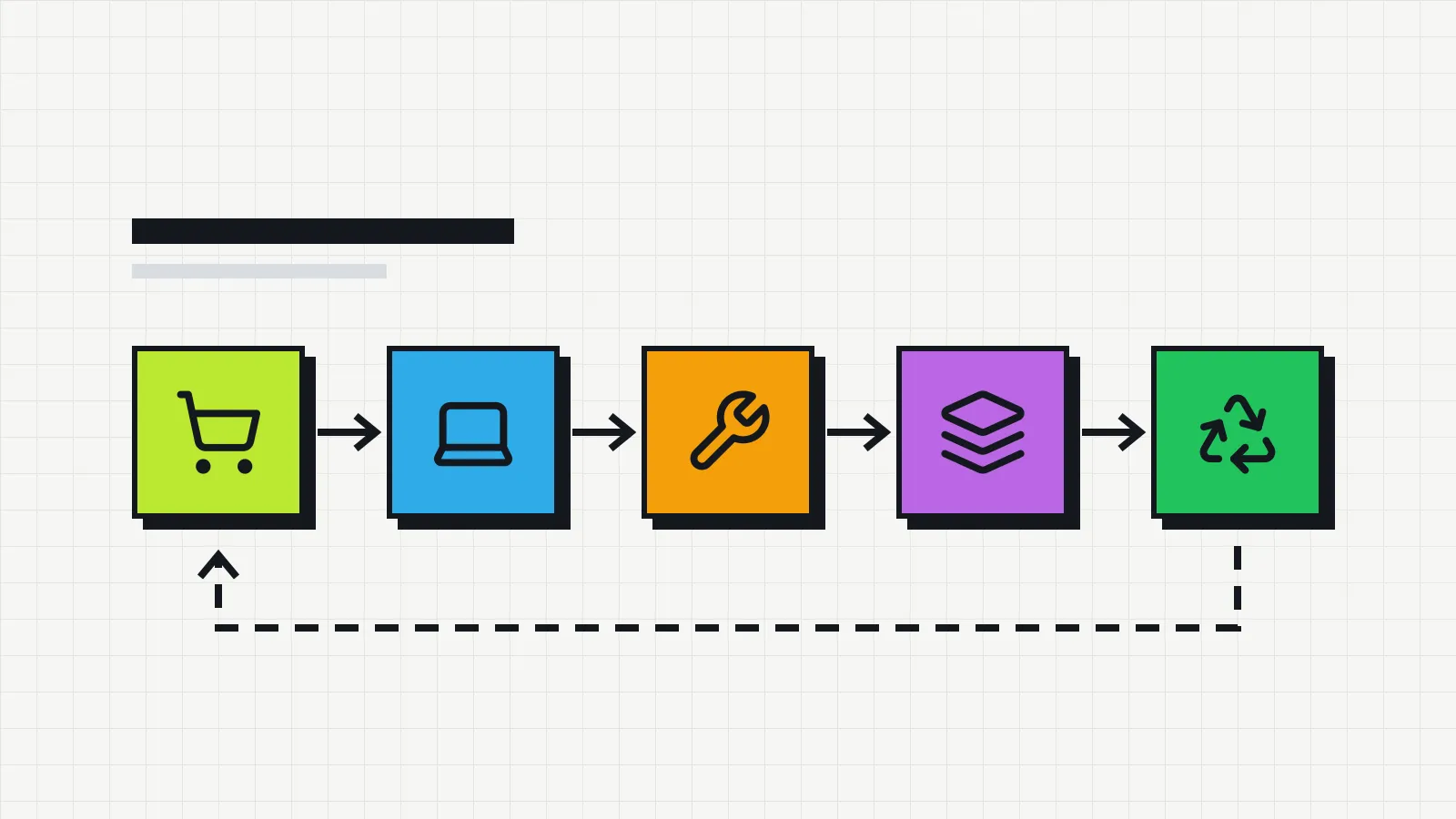
Every IT device goes through the same stages: it is bought, set up, handed to someone, used, repaired a few times and, one day, leaves the company. Following that lifecycle is what lets you answer questions such as “is it worth repairing this laptop or should we buy a new one?” and “how much will we need to spend on computers next year?”. It is one of the core parts of IT asset management.
The stages of the lifecycle
1. Planning and purchase
The cycle starts before the purchase, when you define what is needed. A standard device for each type of user (office staff, developers, field teams) makes maintenance and spare parts simpler.
What to record: supplier, invoice number, purchase date and price, warranty period.
2. Receiving and setup
The device arrives, is checked and is set up: operating system, applications, user accounts, antivirus, disk encryption. If the company uses asset tags, this is when the tag goes on. The guide on IT asset tagging explains how to number and label devices.
What to record: serial number, asset tag, configuration applied, status “in stock”.
3. Handover and use
The device goes to an employee, ideally with a signed employee equipment agreement. This is the longest stage and the one with the most changes: new desks, new departments, remote work.
What to record: owner, location, handover date. Each change creates a new record without erasing the previous one. That history is exactly what an IT inventory spreadsheet tends to lose.
4. Maintenance
Repairs, part replacements, memory or storage upgrades. Besides the cost, maintenance shows which models cause the most trouble and helps with future purchasing decisions. The computer preventive maintenance checklist organizes the checks by frequency.
What to record: date, reason, supplier, cost, whether the warranty covered it, time out of use.
5. Reassignment or storage
When someone leaves the company or receives a new device, the old one can go to another person or into stock. Devices in stock should be reviewed regularly; many sit unused for months and are forgotten.
What to record: return date, condition of the device, new status.
6. Retirement and disposal
At the end of the cycle, the device is sold, donated or discarded. Before that, its data must be securely erased. Many countries regulate electronic waste. In the European Union, for example, it is covered by the WEEE rules, and in Brazil electronics fall under the take-back system of the National Solid Waste Policy. Use companies or collection points authorized under your local rules.
What to record: date, destination, who authorized it, proof of data erasure and of disposal.
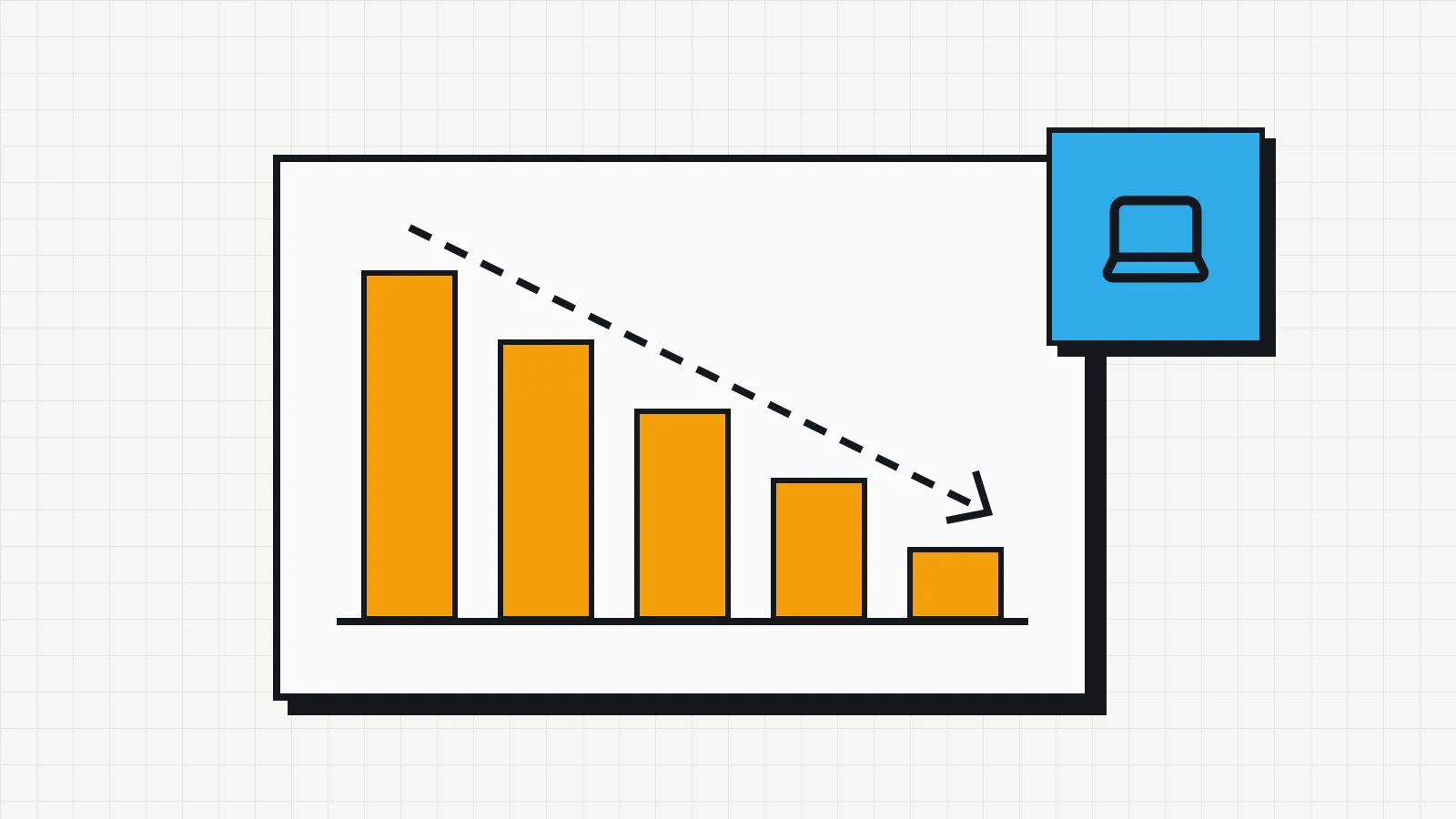
Computer depreciation
For tax purposes, many countries set a useful life for each type of asset. In Brazil, for example, the Federal Revenue Service sets it in Annex III of Normative Instruction RFB No. 1,700/2017: automatic data processing machines (computers) have a useful life of 5 years, at a rate of 20% per year. Periods and methods vary from country to country.
A simple example with hypothetical figures, using straight-line depreciation over five years: a laptop bought for 6,000 (in any currency) depreciates by 1,200 per year. After three years, its book value is 2,400.
| Year | Depreciation for the year | Book value at year end |
|---|---|---|
| 1 | 1,200 | 4,800 |
| 2 | 1,200 | 3,600 |
| 3 | 1,200 | 2,400 |
| 4 | 1,200 | 1,200 |
| 5 | 1,200 | 0 |
Book value is not market value, and it does not tell you when a device stops being useful. It serves accounting purposes and gives a sense of scale when deciding between repairing and replacing. Check the rules that apply to your company with your accountant. For US rules on recovery periods, bonus depreciation and Section 179, see the article on IT equipment depreciation.
When to replace a computer
There is no single right age. The decision usually combines four criteria:
- Maintenance cost. If a repair costs a large share of the price of a new device, and the current one is near the end of its useful life, replacing it usually makes more sense.
- Warranty. Out of warranty, every fault means the full repair cost plus downtime.
- System support and security. Devices that no longer receive operating system or manufacturer updates become a security risk.
- Productivity. Constant slowness, a battery that does not last a morning, not enough memory for the applications the person uses.
With the maintenance history recorded, this decision stops being a hunch and is backed by numbers: how many times the device went in for repair, how much it cost and how many days it was out of use.
How to reduce waste across the lifecycle
- Check stock before buying. Returned devices can serve a new hire.
- Plan replacements. Knowing how many devices reach the end of their useful life each quarter avoids emergency purchases, which tend to cost more.
- Track warranties. An alert before the expiry date lets you fix faults while they are still covered.
- Standardize models. Less variety simplifies parts, configuration and support.
- Record why each repair happened. Patterns emerge: a model whose screen keeps failing, a department that breaks more equipment.
All of this depends on a reliable inventory as the starting point. If you do not have one yet, start with the guide how to do an IT inventory.