What IT asset management is and where to start
IT asset management means knowing what the company owns, where it is, who has it and what it costs. See what to track and how to start without a big project.
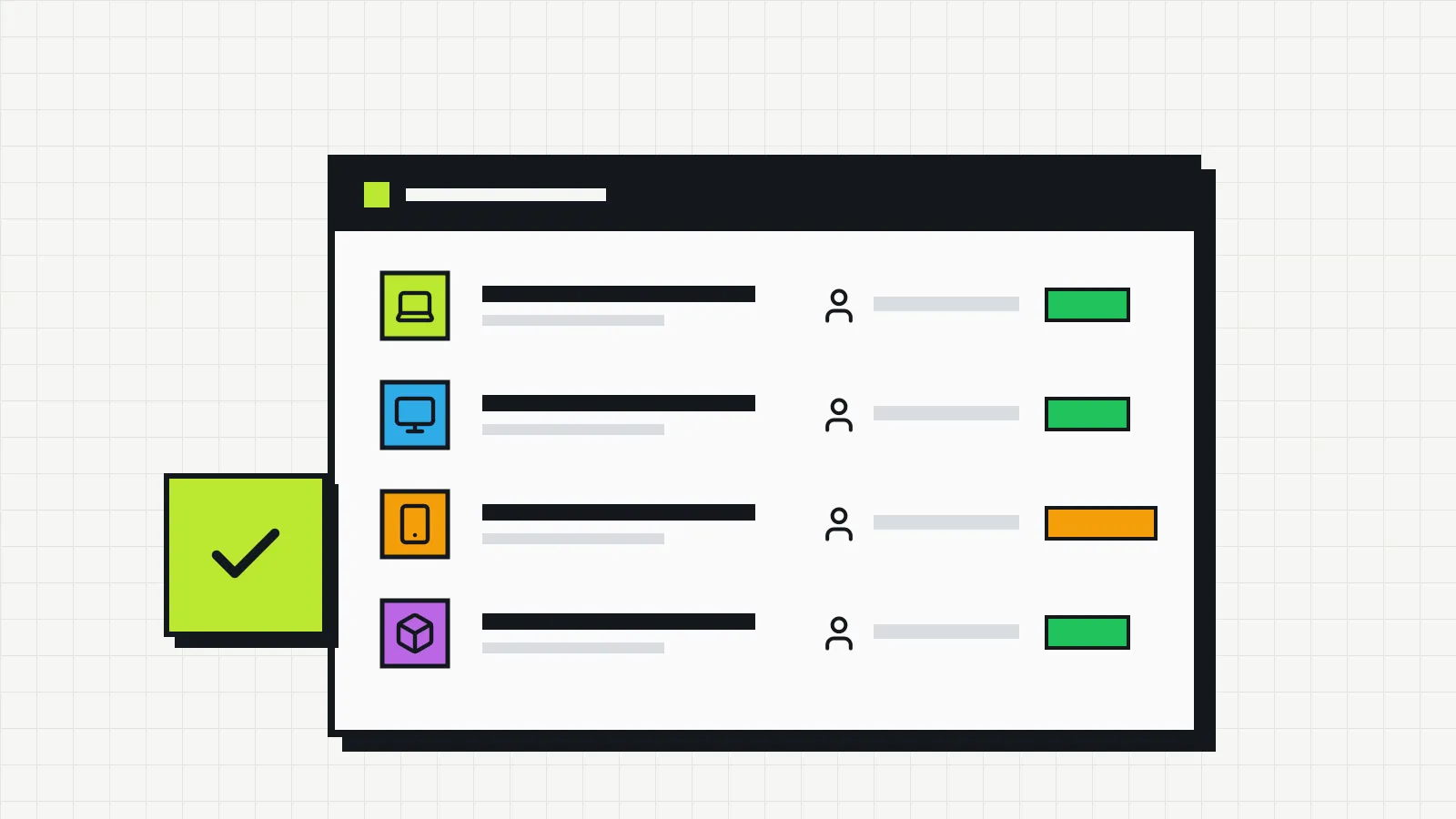
IT asset management is the set of practices that lets you answer four questions about every device and piece of software the company owns, at any time: what it is, where it is, who uses it and how much it cost (and still costs). When those answers exist and are up to date, buying, replacing, repairing or auditing no longer depends on someone’s memory.
In large companies the topic usually shows up as ITAM (IT Asset Management), along with standards, automated discovery tools and dedicated teams. In a company of 15, 40 or 80 people the problem is the same, just smaller: laptops nobody can locate, licenses still paid for people who have left, an expired warranty discovered the day the machine stops working.
What counts as an IT asset
An IT asset is any technology item that has value to the company and needs to be followed over time. In practice, assets fall into three groups.
Hardware. Laptops, desktops, monitors, company phones, tablets, printers, routers, switches, servers, UPS units. Cheap peripherals (mouse, keyboard, headset) are included if the company wants to know who received what; many prefer to record only the handover, without tracking each unit.
Software and subscriptions. Perpetual licenses, monthly or annual subscriptions (office suite, antivirus, design tools, ERP), digital certificates and domains. Here the control is about how many seats are contracted, how many are in use and when they renew.
Items under contract. Leased equipment, phone lines, internet links, maintenance contracts. The physical asset may not even belong to the company, but the cost and the responsibility do.
What asset management keeps track of
A list with names and serial numbers is the starting point, but it is not management yet. What turns the list into management is the information that changes over time and the decisions it supports.
| Information | What it is for |
|---|---|
| Identification (type, brand, model, serial number, asset tag) | Knowing exactly which device you are talking about |
| Current owner | Requesting returns, recording handovers, answering for losses |
| Location | Finding the device and planning maintenance |
| Status (in use, in stock, under maintenance, retired) | Seeing what is available before buying another one |
| Purchase date and price | Calculating depreciation and planning replacement |
| Warranty and contracts | Calling the supplier in time and not paying for covered repairs |
| Change history | Knowing who had the device and what happened to it |
History is what spreadsheets tend to lose. When a laptop changes hands, the “owner” cell is overwritten and the previous information disappears. Months later, nobody can say who had the machine when the screen broke.
Why it is worth the effort
The gains show up in very concrete situations.
Purchasing. Before approving a new laptop for a new hire, you can check whether one is sitting in stock or coming back from someone who left. Forgotten equipment in a cabinet is money standing still.
Offboarding. With a list of what each person had, returning equipment becomes a checklist instead of a memory exercise. The same goes for access: a license left active after someone leaves keeps being billed.
Maintenance and warranty. Knowing the purchase date and warranty period avoids paying for a repair the manufacturer would cover.
Security. A device that is not in the inventory does not get updates, nobody checks its antivirus and it is left out of the backup policy. The first control in the CIS Controls, a widely used security reference, is precisely to keep an inventory and control of enterprise assets.
Accounting. Tax rules usually set a depreciation period for computers. Without the purchase date and price, that calculation becomes a guess. We cover this in the article on the IT asset lifecycle.
Who is responsible
In small companies, asset management usually falls to whoever already looks after IT: an analyst, an outside provider or someone in administration who “knows computers”. It does not require a new role. It requires three clear definitions:
- A process owner, who keeps the records up to date and answers for them.
- An owner for each device, usually the person who uses it, who confirms receipt and reports changes.
- A rule for when to update: every handover, return, repair and disposal is recorded on the same day.
Without item 3, any inventory ages quickly. It is the most common reason spreadsheets get abandoned, as we explain in the article on the limits of an IT inventory spreadsheet.
How to start in a small company
Starting small works better than trying to map everything at once.
1. Define the scope of the first round
Pick the highest-value or highest-risk items: laptops, desktops and company phones. Monitors, peripherals and software come in the second round.
2. Choose the minimum fields
Type, brand and model, serial number, owner, location, status, purchase date. If the company uses asset tags, include the number. Too many fields slow down the survey and end up empty.
3. Do the physical survey
Go desk by desk, check the serial number on the device label and confirm the owner with the person. For remote staff, ask for a photo of the label. The full walkthrough is in the guide how to do an IT inventory.
4. Agree on the update routine
Decide who records handovers and returns, and how quickly. A general check every six months helps catch what slipped through.
5. Review after one month
See which fields nobody filled in and which ones were missing. Adjust before expanding to other asset types.
Asset management and ITAM: the same thing?
In practice, yes. ITAM is the name for the same process when it is formalized with policies, roles and metrics, as described in the ISO/IEC 19770-1 standard. For a small company, the standard works more as a reference for good practice than as a certification goal. How ITAM relates to support and ticketing (ITSM) is covered in ITAM and ITSM: the differences and where they meet.
The essentials
IT asset management starts with a reliable list and is sustained by a simple update routine. What separates a useful inventory from a forgotten spreadsheet is recording each change when it happens: who received, who returned, what went in for repair. With that in place, purchasing, replacement and disposal decisions have something to stand on.