ITAM and ITSM: the differences and where the two processes meet
ITAM looks after assets and what they cost; ITSM looks after services and support. Understand the difference between the two and why each depends on the other day to day.
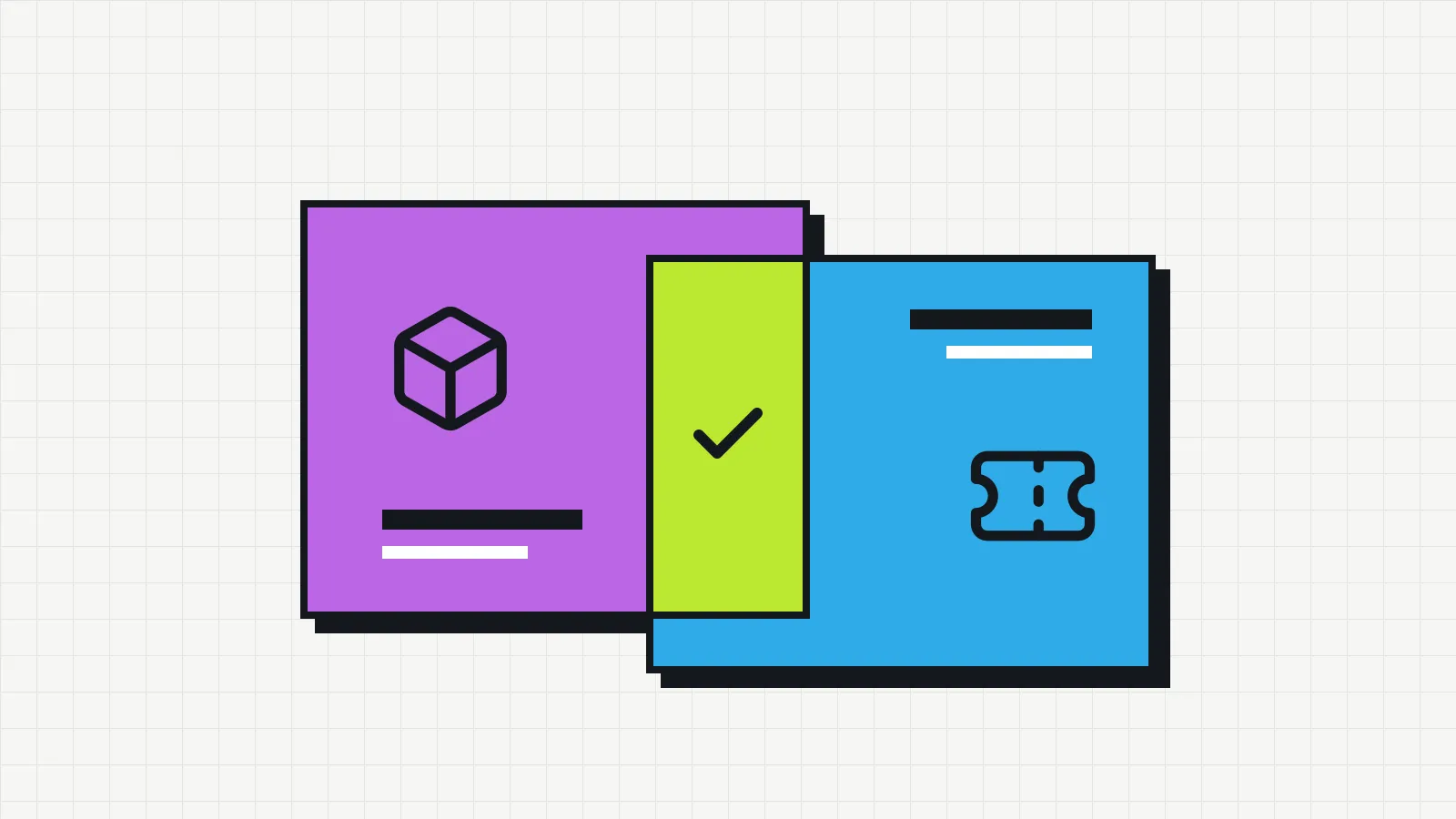
ITAM and ITSM appear together in almost every piece of material on IT management, and the two acronyms are often treated as synonyms. They describe different processes that depend on each other.
- ITAM (IT Asset Management) looks after things: which devices and software the company owns, who has them, how much they cost and what stage of their lifecycle they are in.
- ITSM (IT Service Management) looks after support: how users’ requests and problems reach IT and how they are prioritized and resolved.
What each one answers
| Question | Process |
|---|---|
| How many laptops do we have and who has them? | ITAM |
| How much have we spent on software licenses this year? | ITAM |
| When does the warranty on this device expire? | ITAM |
| How many tickets were opened this week? | ITSM |
| How long should it take to handle an access request? | ITSM |
| Who is working on this problem? | ITSM |
ITAM focuses on finance and control: cost, risk and compliance over the life of the asset. ITSM focuses on operations: response time, quality of support and service continuity.
Where the two meet
In daily work, the processes cross paths all the time. A few examples:
A ticket about a device. Someone opens a ticket because their laptop will not turn on. Whoever handles it needs to know the model, whether it is under warranty and whether it has had the same fault before. That information comes from the inventory (ITAM). The repair, in turn, becomes an entry in the device’s history.
A new employee joins. The request arrives as a service request (ITSM). To fulfill it, IT checks the stock, sets aside a device and records the handover to the new person (ITAM).
An employee leaves. The offboarding request (ITSM) triggers the list of items to be returned, which only exists if the inventory knows what that person had (ITAM).
Infrastructure changes. Before replacing a server or updating a system, you need to know which devices and software will be affected. The inventory provides that list.
Which one to set up first
In small companies, the question is usually framed differently: “do we need a ticketing system or asset tracking?”. The answer depends on where the pain is.
- If the problem is requests getting lost in messages and emails, with nobody knowing who is handling what, start with a simple ticketing process.
- If the problem is not knowing what the company owns and who has it, start with the IT inventory. Without it, support itself is slower, because every ticket starts with the question “which computer do you have?”.
Many small companies do not need a full ITSM tool. A single channel for requests and a simple ticket log can be enough for a while. An inventory tends to be needed sooner, because the cost of losing equipment and licenses shows up quickly.
References for going further
For those who want to formalize these processes, some well-known references:
- ISO/IEC 19770-1, the international standard that sets requirements for an IT asset management system. Official ISO page for the standard.
- CIS Controls, a set of security controls whose first two cover hardware and software inventory: Control 1 and Control 2.
- NIST SP 1800-5, a practice guide from the US National Institute of Standards and Technology on IT asset management with a security focus: SP 1800-5, IT Asset Management.
You do not need to follow any of them to the letter to have good control. They help put names to the stages and avoid forgetting parts of the process. For the first steps, see what IT asset management is and where to start.