Employee equipment agreement: template for laptops and company phones
A template for the agreement employees sign when they receive a laptop, phone or other company equipment, with the fields it needs and how to handle damage and returns.

An employee equipment agreement is the document a person signs when they receive a laptop, a phone or any other item that belongs to the company. It records what was handed over, in what condition, what it may be used for and what happens if it is lost, damaged or not returned when the person leaves. Some companies call it an equipment acknowledgment form or a laptop agreement. Further down there is a template you can adapt, plus the changes needed for company phones and remote work.
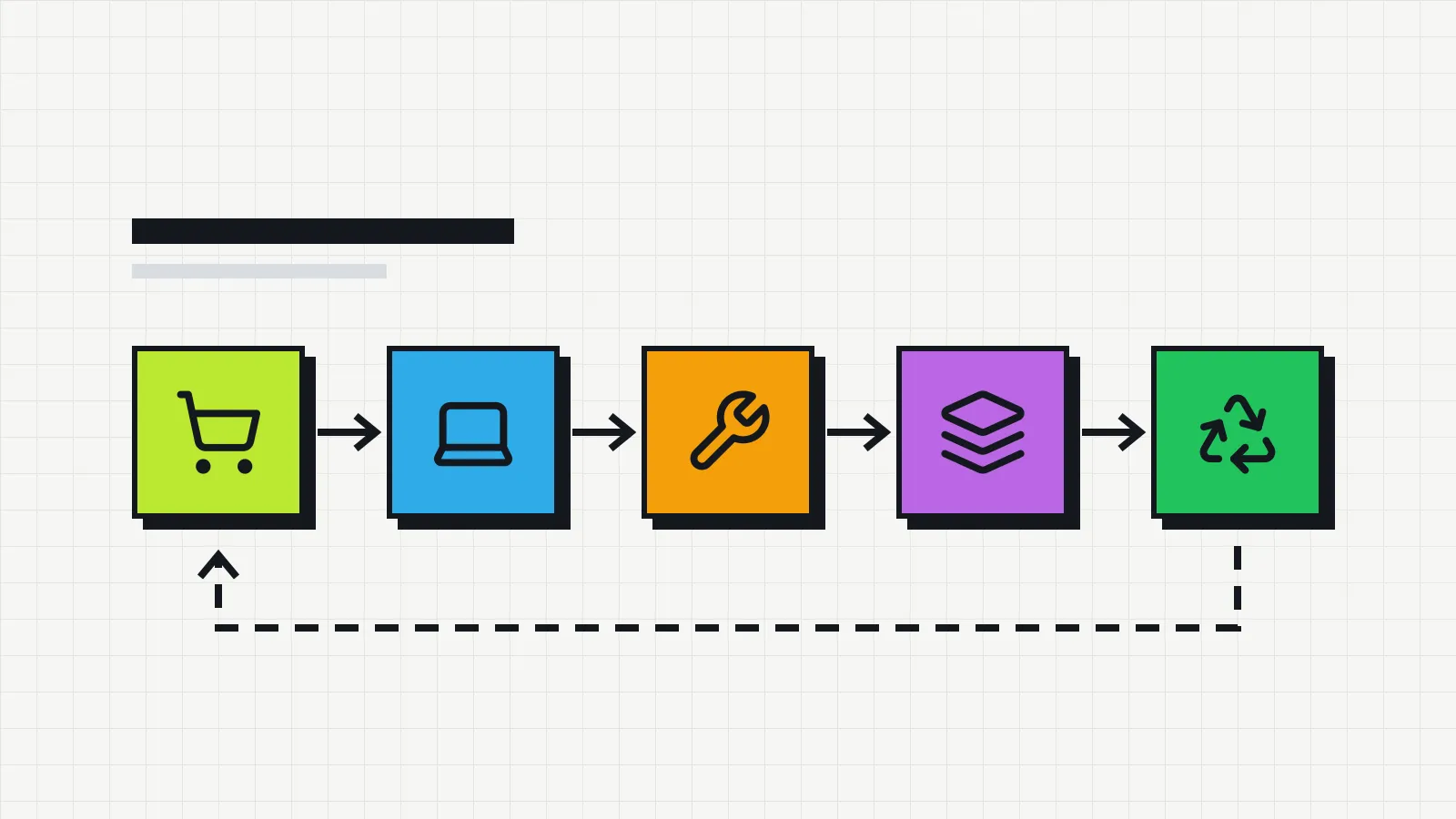
For IT, the signed agreement is also proof of handover. It shows who had each device from which date, which is the information recorded during the handover and use stage of the IT asset lifecycle.
When to use it
A new agreement should be signed whenever company equipment passes into someone’s hands:
- when a person joins, together with their work kit;
- when a device is replaced, closing the previous agreement and signing a new one for the new device;
- for temporary loans, such as a spare laptop used while the person’s own is being repaired;
- when items are sent out for remote work, such as a monitor, a headset or a chair.
Interns and contractors should sign too. For people who are not employees, the agreement works as an annex to their internship or service contract, and the rules on payroll deductions discussed below do not apply in the same way.
What the agreement needs to include
| Field | What it is for |
|---|---|
| Company and employee details | Knowing who handed the item over and who received it. Name, employee ID and job title are usually enough; if you do not need a national ID number, leave it out. |
| Description of each item | Type, make, model, serial number and asset tag. “A Dell laptop” identifies nothing. |
| Accessories | Chargers, bags and mice are the first things to go missing at return time when they are not listed. |
| Condition at handover | Scratches, marks on the screen, a weak battery. Attached photos prevent arguments later. |
| Purpose and rules of use | Work use, whether personal use is allowed, no lending to third parties. |
| Employee obligations | Take reasonable care, report faults, loss or theft, never send the device for repair on their own. |
| Damage rule | When, if ever, the employee will be asked to cover a loss. |
| Return | When and how to return the items, including the deadline when the person leaves. |
| Date, place and signatures | From the employee and from the person handing the equipment over. |
Employee equipment agreement template (laptop)
Copy the text, replace what is in square brackets and adjust the clauses to your company’s policy.
EMPLOYEE EQUIPMENT AGREEMENT
Company: [legal name], [registration number], hereinafter the COMPANY.
Employee: [full name], employee ID [number], job title [title], department [department], hereinafter the EMPLOYEE.
1. Equipment received. The EMPLOYEE confirms that on this date they received the following equipment, in working order and in the condition described below:
- Type: laptop
- Make and model: [ ]
- Serial number: [ ]
- Asset tag: [ ]
- Accessories: [charger, bag, mouse]
- Condition at handover: [e.g. no damage / scratch on the lid / reduced battery life]
2. Purpose. The equipment belongs to the COMPANY and is provided for the EMPLOYEE’s work. [If personal use is allowed, describe the limits here.]
3. Obligations. The EMPLOYEE agrees to:
a) take reasonable care of the equipment and accessories;
b) not lend or hand over the equipment to anyone else;
c) not open the equipment or have it repaired outside the channels indicated by the COMPANY;
d) not remove asset tags or identification labels;
e) report any fault, damage, loss or theft to the COMPANY within [24 hours], with a police report in case of theft;
f) follow the COMPANY’s acceptable use and information security policies.
4. Damage. If the equipment is damaged through the EMPLOYEE’s intentional misconduct or negligence, as established by the COMPANY after hearing the EMPLOYEE, the EMPLOYEE may be asked to cover the cost of repair or, if repair is not possible, the market value of equivalent equipment in the same condition, only to the extent permitted by applicable law. Normal wear and tear, manufacturing defects and loss or theft without negligence on the EMPLOYEE’s part will not be charged.
5. Return. The EMPLOYEE will return the equipment and accessories in the condition received, except for normal wear and tear, whenever requested and, in any case, within [x business days] after the end of their employment.
6. Data. Files and company accounts stored on the equipment belong to the COMPANY and must not be deleted by the EMPLOYEE before the return. [Adjust to your information security policy.]
[City], [date].
____________________________
EMPLOYEE
____________________________
Handed over by (name and title)
Return record
Date: [ ] · Condition: [ ] · Accessories returned: [ ] · Pending items: [ ]
Signatures of the EMPLOYEE and of the person receiving the equipment.
Agreement for company phones
A phone needs a few extra fields and clauses:
- The device IMEI, shown by dialing
*#06#. Carriers use it to block a stolen phone. - Phone number, carrier and plan, when the SIM also belongs to the company.
- A mandatory screen lock and a ban on removing device management, if the company uses it.
- A rule for personal accounts. On an iPhone, a personal Apple Account turns on Activation Lock, and on Android a Google account does something similar through factory reset protection. If the person leaves without signing out, the phone comes back locked. The agreement can require signing out at return time, or the company can set phones up with company accounts from the start.
- Immediate reporting of loss or theft, so the line and the device can be blocked.
- Data and roaming use, if there are rules for international calls, roaming or usage above the plan.
One caution about working hours. The agreement covers custody of the phone and should not be used to require availability outside working hours. Rules on on-call time, where they exist, belong in a separate policy reviewed by whoever handles employment matters.
Agreement for remote work
People who work from home often receive more than a laptop. In several countries, the law or collective agreements set who pays for the equipment, maintenance and running costs of remote work, so check the rules that apply where your employees are based.
In practice, the equipment agreement can list the items handed over and refer to the remote work policy or contract for maintenance and reimbursement. Also include:
- the address where the equipment will be kept;
- who arranges and pays for shipping at handover, for repairs and at return;
- what to do when something needs repair, since the person cannot walk over to the IT desk.
What the company can charge for damage
This is where the law of each place matters most. Rules on deducting money from pay for damaged equipment vary widely. Many jurisdictions require the employee’s prior written authorization. Some only allow it in cases of dishonesty or serious negligence, others cap the amount or forbid it, and deductions generally cannot bring pay below the minimum wage. The damage clause in the template records the agreement, but it does not override local law.
Some principles hold almost everywhere:
- Establish what happened. Record the facts, hear the employee and keep the repair quote or technician’s report. An automatic charge without any review is the weakest position in a dispute.
- Wear and defects are a business cost. A battery that lost capacity or a screen that failed on its own is not the employee’s responsibility.
- Keep the amount proportionate. Charging the price of a new laptop for a three-year-old one is hard to justify. The repair cost or the market value of a used device are fairer references, and the book value calculated through IT equipment depreciation helps with the order of magnitude.
- Be careful with final pay. Many places restrict deductions from the last paycheck. Agree on any amount in writing instead of deducting it unilaterally.
This section describes general practice and does not replace advice on a specific case.
Returns and offboarding
The return closes the cycle the agreement opened. Before the exit conversation, list everything the person has: in Invbox, type their name in the asset list search or filter by owner. With that list in hand, a short routine keeps the return from turning into a box left at reception:
- Check each item listed in the agreement by serial number, including accessories.
- Compare its condition with the one recorded at handover and photograph anything that changed.
- Confirm that personal accounts were signed out of the phone and laptop.
- Copy the company data that needs to be kept, following your policy.
- Fill in the return record and collect both signatures.
- Update the device status in the inventory: in stock, under repair or awaiting assessment.
If something did not come back, record the pending item with a date and agree on a deadline in writing. Pending items without a record tend to surface only at the next inventory, when the person left months ago.
Where to keep the agreement and how to stay in control
The signed agreement goes into the employee’s file, either as a scanned paper copy or signed electronically. Under the US ESIGN Act, a signature cannot be denied legal effect solely because it is electronic, and the European Union’s eIDAS Regulation has an equivalent rule. Because the document holds personal data, keep access limited to the people who need it; in the EU, the GDPR applies to these records too.
A folder of agreements proves each handover, but it is slow to answer a simple question like “who has laptop PAT-0142?”. That answer comes from the inventory, which has to be updated whenever an agreement is signed or closed. The guide on how to do an IT inventory covers the fields you need.
In Invbox, the asset list search finds a device by asset tag, serial number or owner name. Changing the owner on an asset creates a transfer entry in its history, with the previous name, the new one, the date and the time. Since that date is the date of the edit, update the record on the same day the agreement is signed. The signed document itself stays outside the system; a short note in the asset’s notes field with the date of the current agreement and where it is filed makes it quicker to find when someone needs it.
Common mistakes
- No serial number. Without it, there is no way to prove which device was handed over.
- Signed only at hiring. The person gets a new laptop two years later and the document still describes the old one.
- A blanket deduction clause. Charging the full price of a new device, with no review, invites challenges and may not be lawful where you operate.
- Accessories left off the list. Chargers disappear and nobody can say who had them.
- Returns without a record. The agreement stays open, and the person who returned everything has no proof of it.
With the agreement in place, the next step is to identify each device physically. The guide on IT asset tagging shows how to number your equipment and choose between traditional asset tags and QR code labels.