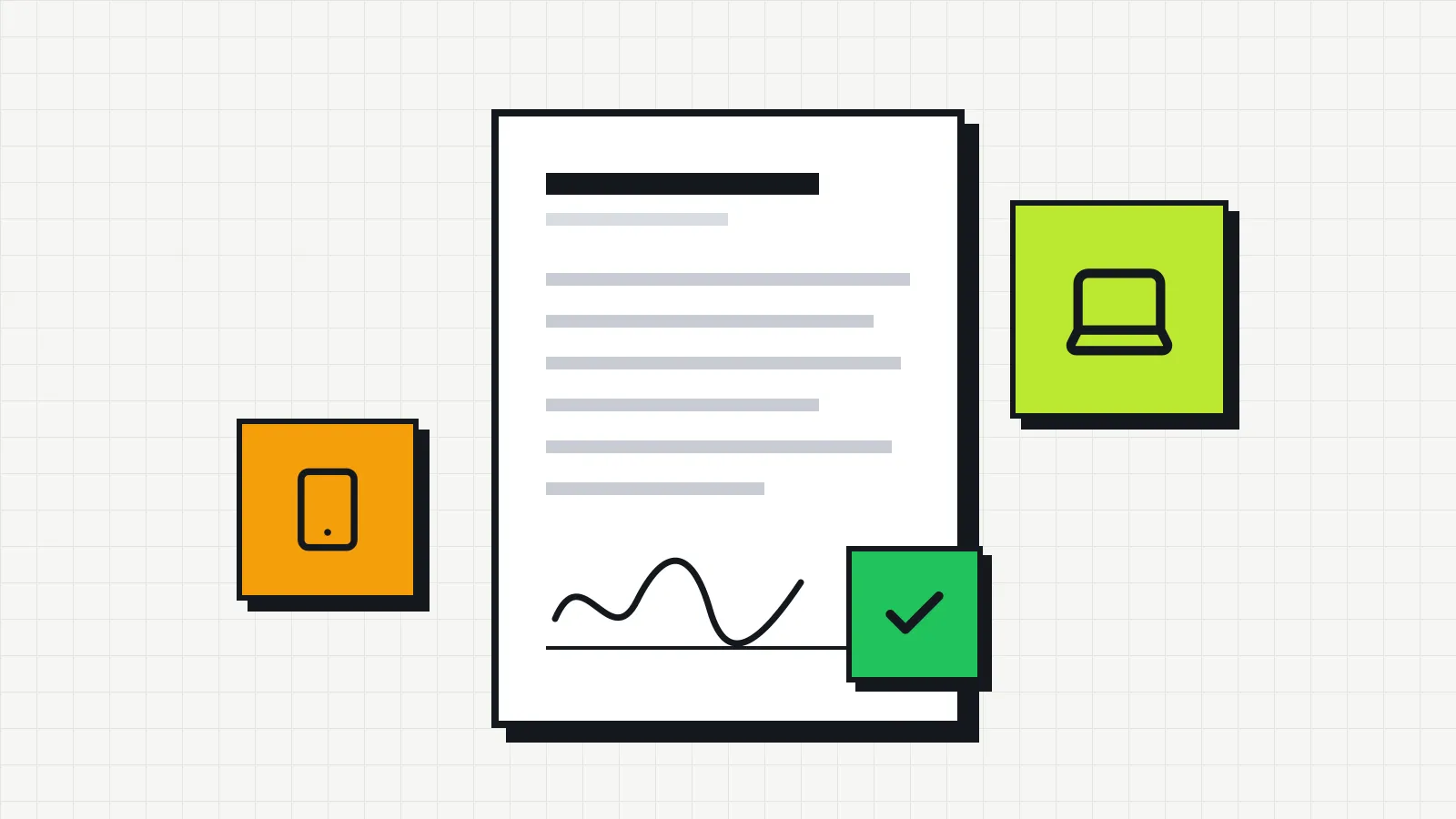
Employee equipment agreement: template for laptops and company phones
A template for the agreement employees sign when they receive a laptop, phone or other company equipment, with the fields it needs and how to handle damage and returns.
Editorial team
Invbox builds an IT asset management platform designed for small businesses: registering computers, laptops, phones and software, assigning owners, keeping a history of every change and tracking maintenance.
Articles signed by the team bring together what we have learned about inventory, equipment lifecycle and organizing IT in companies that still track everything in spreadsheets.
Found a mistake or want to suggest a topic? Write to contato@invbox.com.br.
A template for the agreement employees sign when they receive a laptop, phone or other company equipment, with the fields it needs and how to handle damage and returns.
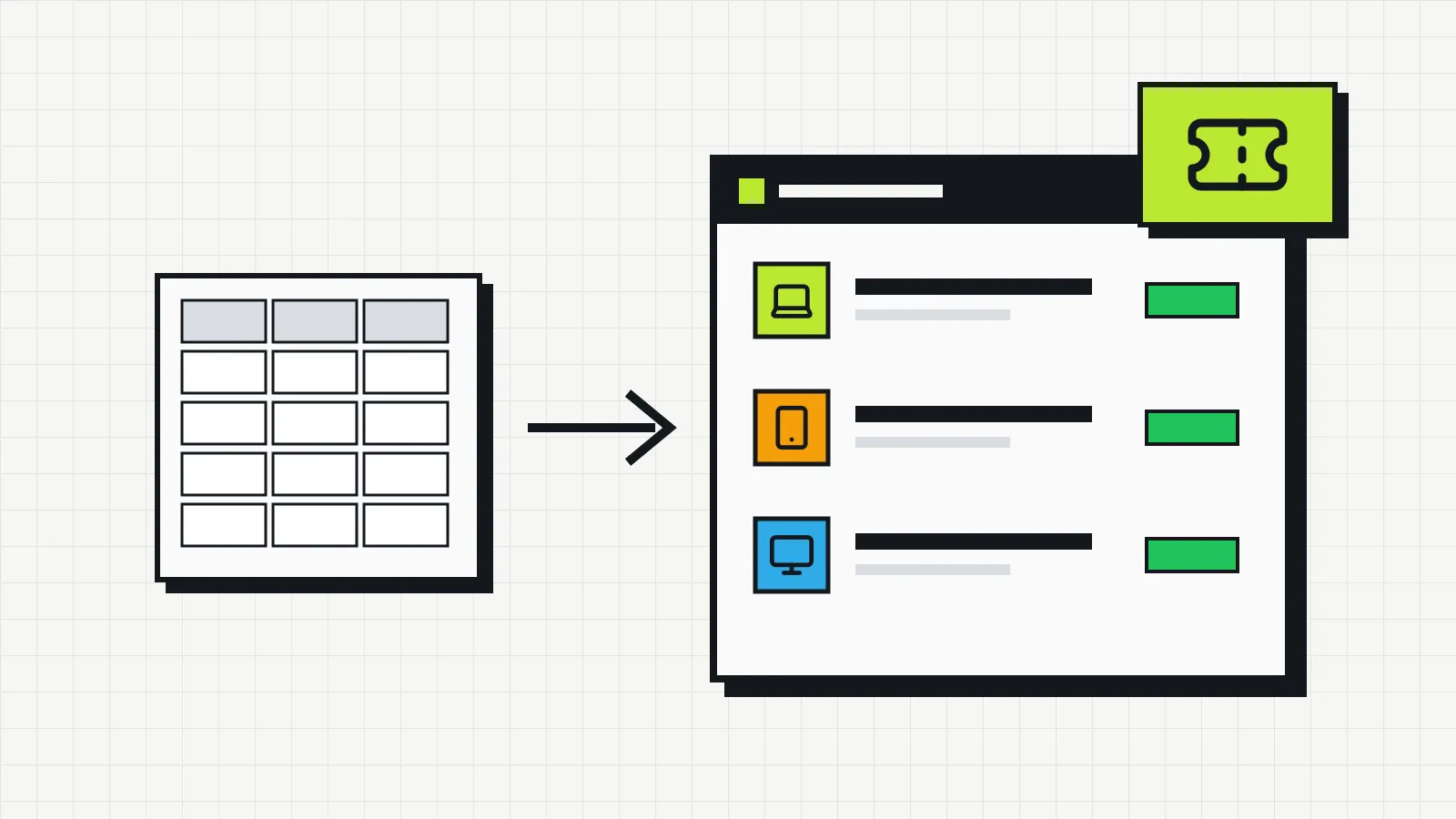
Spreadsheet, open source or SaaS with a free plan? See what an IT inventory needs to record, what each free option really costs and how Invbox Free organizes up to 20 assets.
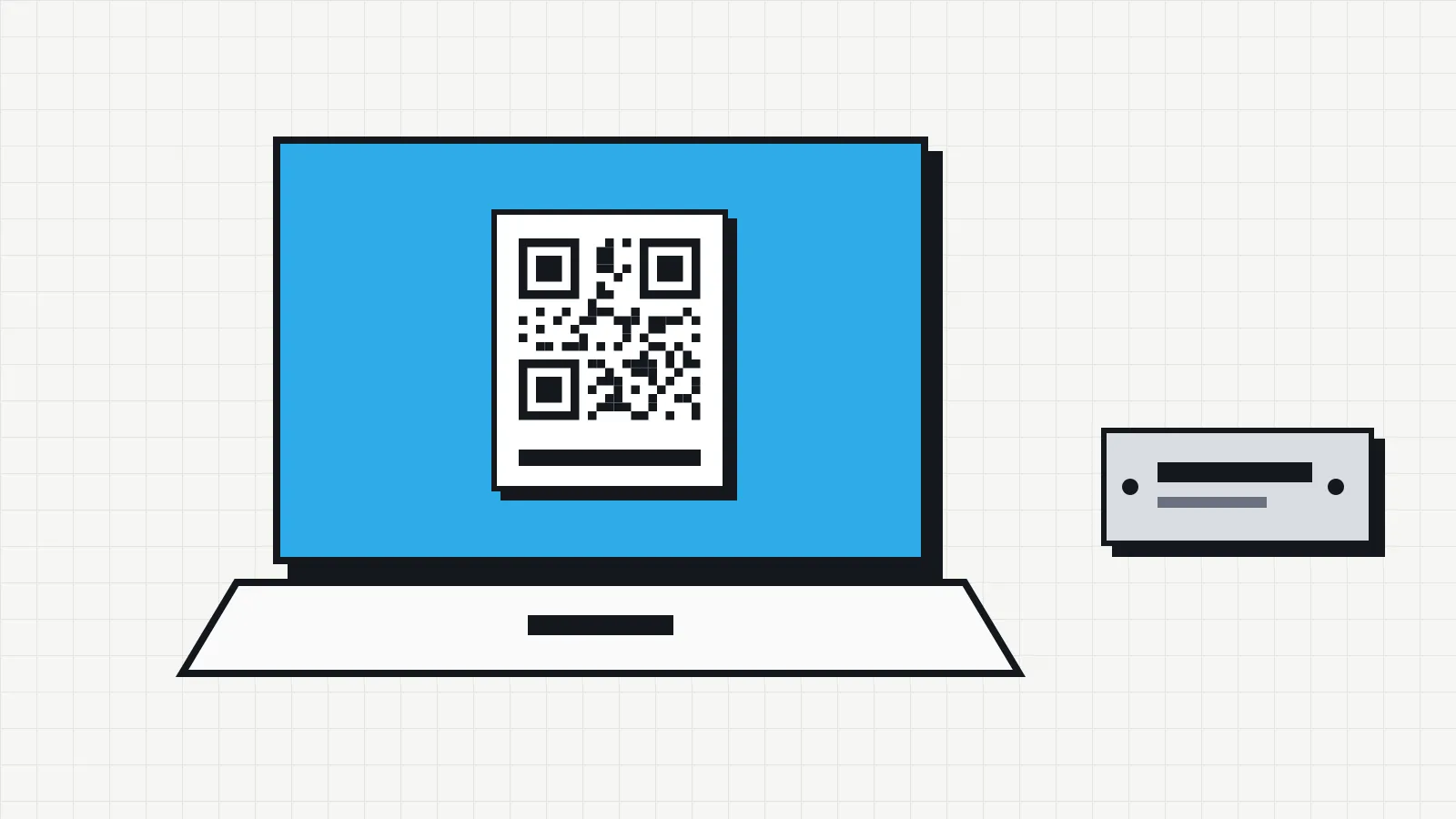
A step-by-step guide to numbering, labeling and tracking your company's IT equipment, with the differences between traditional asset tags and QR code labels.
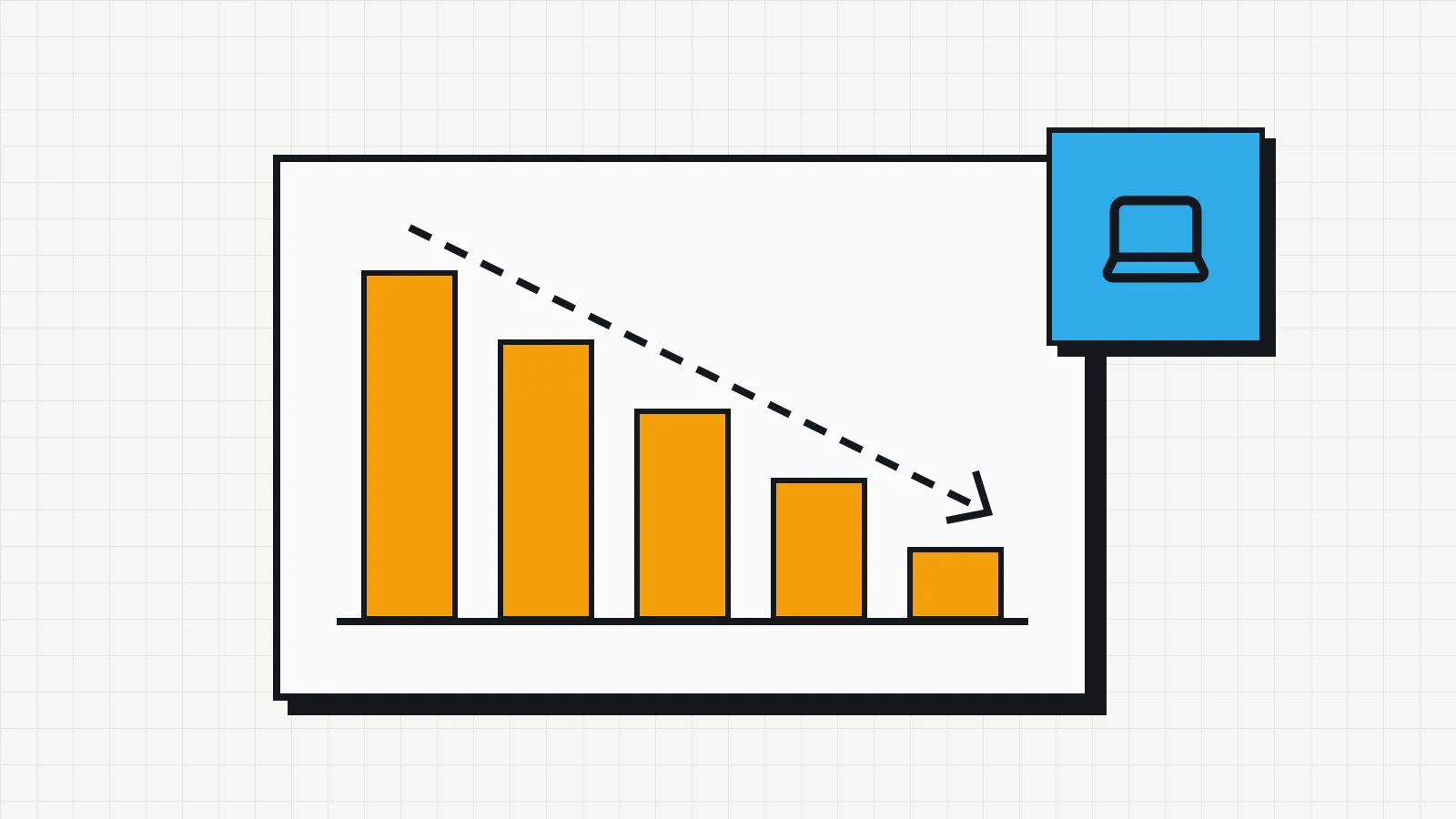
How computers, laptops and printers are depreciated in the US, how MACRS works, when bonus depreciation, Section 179 or the de minimis rule lets you deduct the cost at once, and how to track it.
What to check on your company's computers and laptops every month, quarter, six months and year, with commands to check disk and battery health and a simple maintenance log.
IT asset management means knowing what the company owns, where it is, who has it and what it costs. See what to track and how to start without a big project.
A six-step plan to survey the company's computers, phones and software, confirm each item with the person who uses it and keep the IT inventory up to date.
A spreadsheet works for the first inventory, but over time it tends to lose history, owners and reliability. See the signs that it no longer does the job and what the alternatives are.
ITAM looks after assets and what they cost; ITSM looks after services and support. Understand the difference between the two and why each depends on the other day to day.
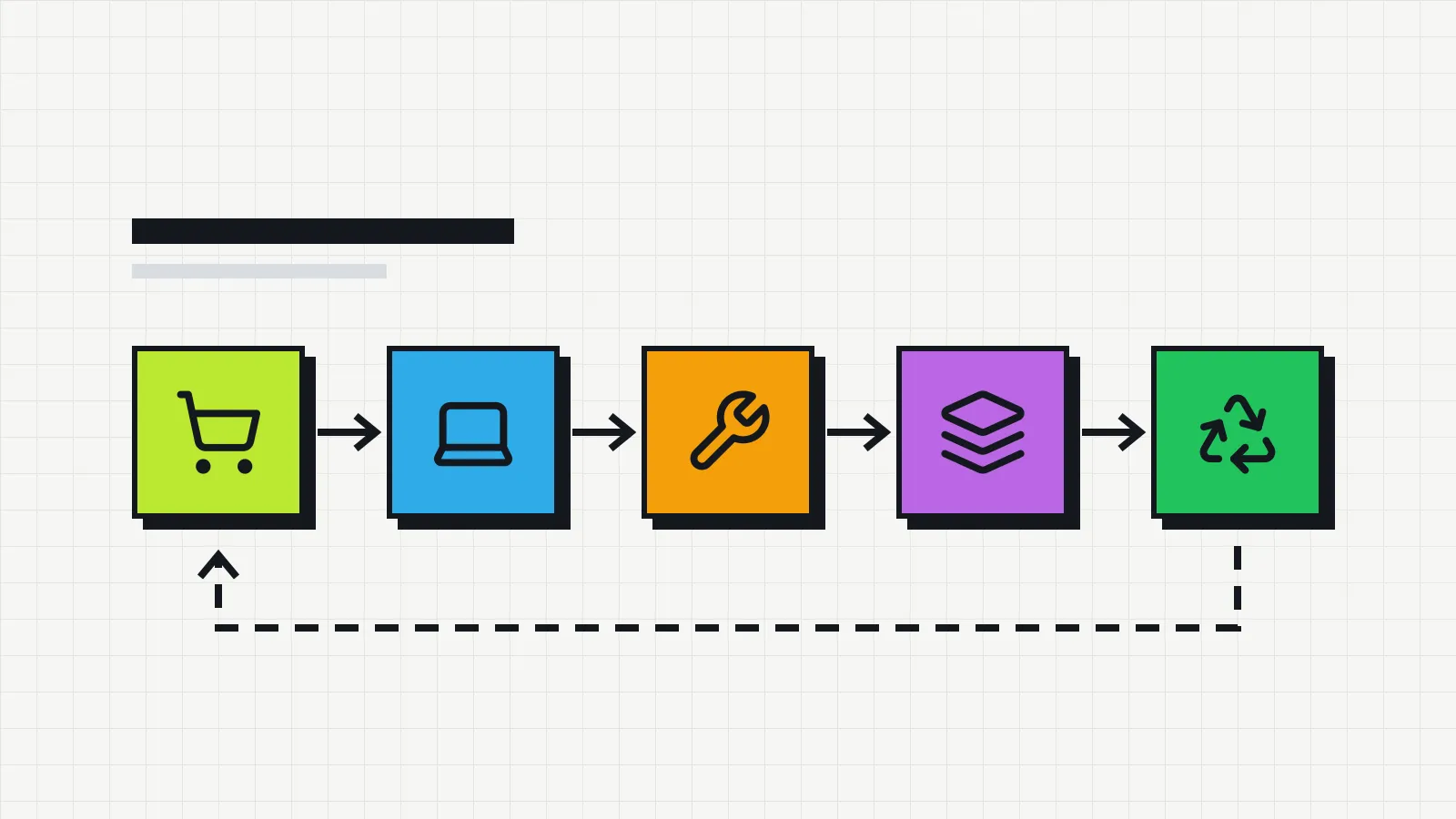
From purchase to disposal, each stage in the life of an IT device brings decisions and costs. See what to record at each stage and how to decide when to replace equipment.