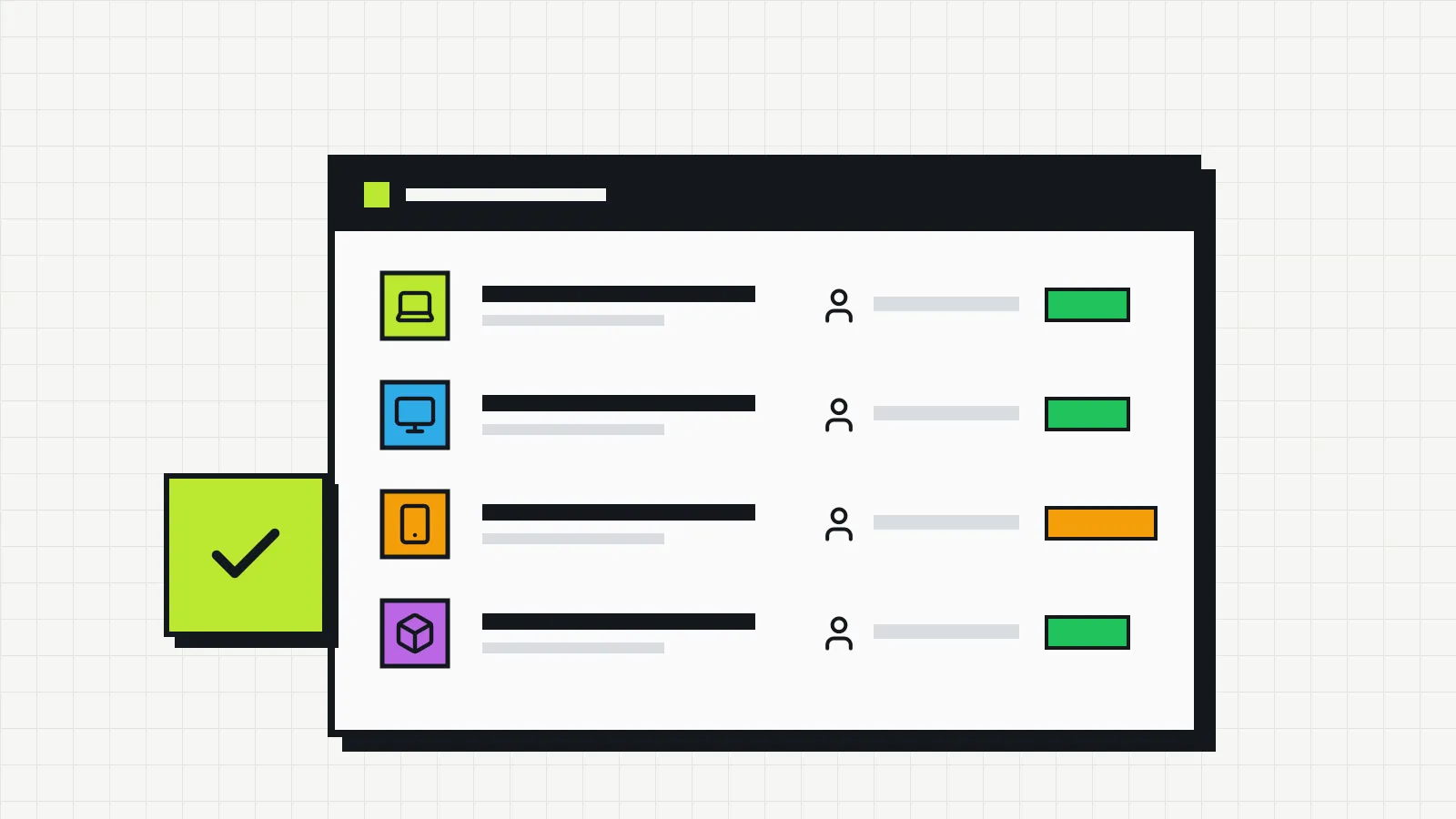
What IT asset management is and where to start
IT asset management means knowing what the company owns, where it is, who has it and what it costs. See what to track and how to start without a big project.
Invbox Blog
Guides to organize your company’s computers, laptops, phones and software: inventory, owners, lifecycle and costs. Written for people who run IT without a dedicated team.
IT asset management means knowing what the company owns, where it is, who has it and what it costs. See what to track and how to start without a big project.
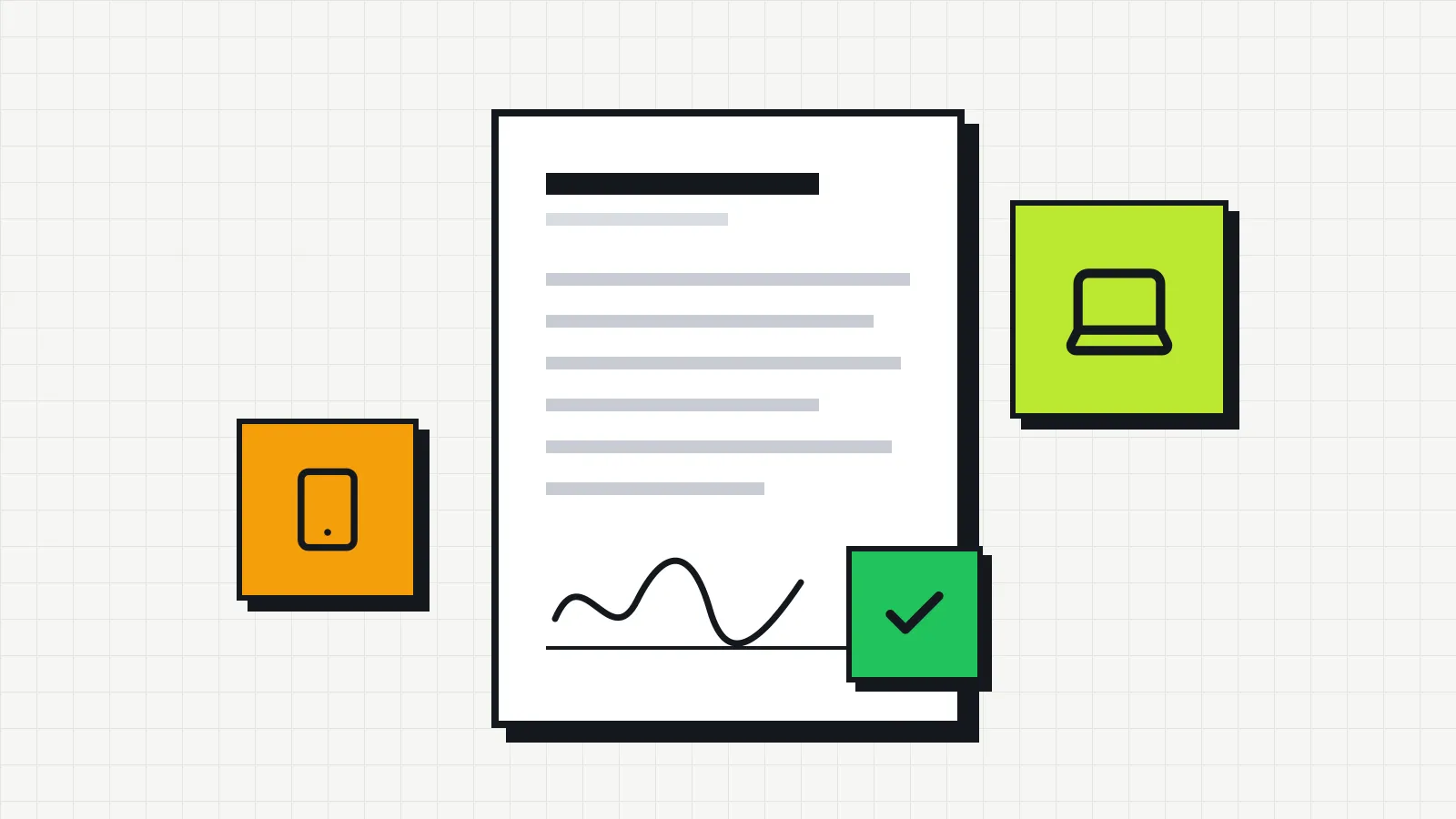
A template for the agreement employees sign when they receive a laptop, phone or other company equipment, with the fields it needs and how to handle damage and returns.
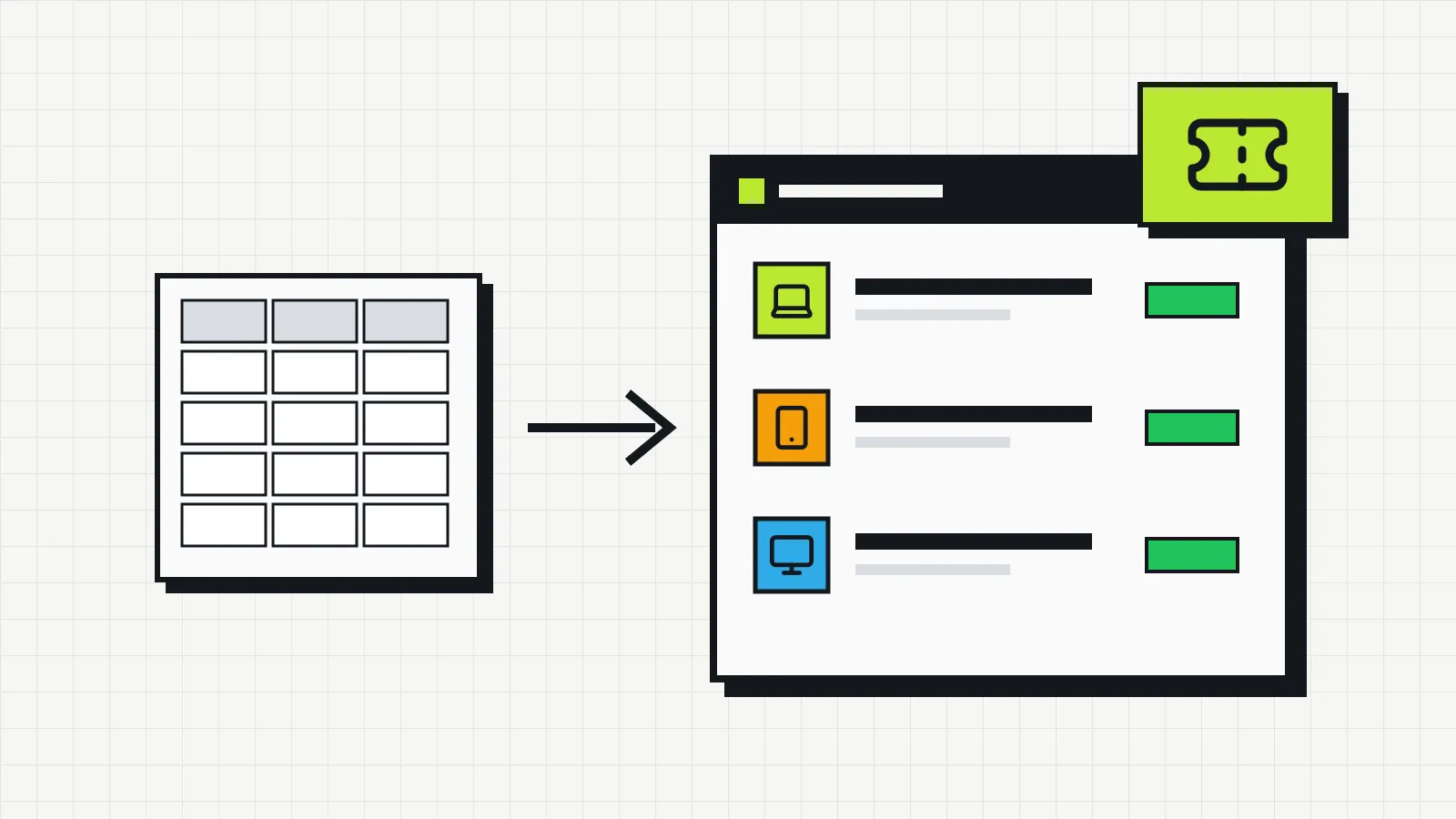
Spreadsheet, open source or SaaS with a free plan? See what an IT inventory needs to record, what each free option really costs and how Invbox Free organizes up to 20 assets.
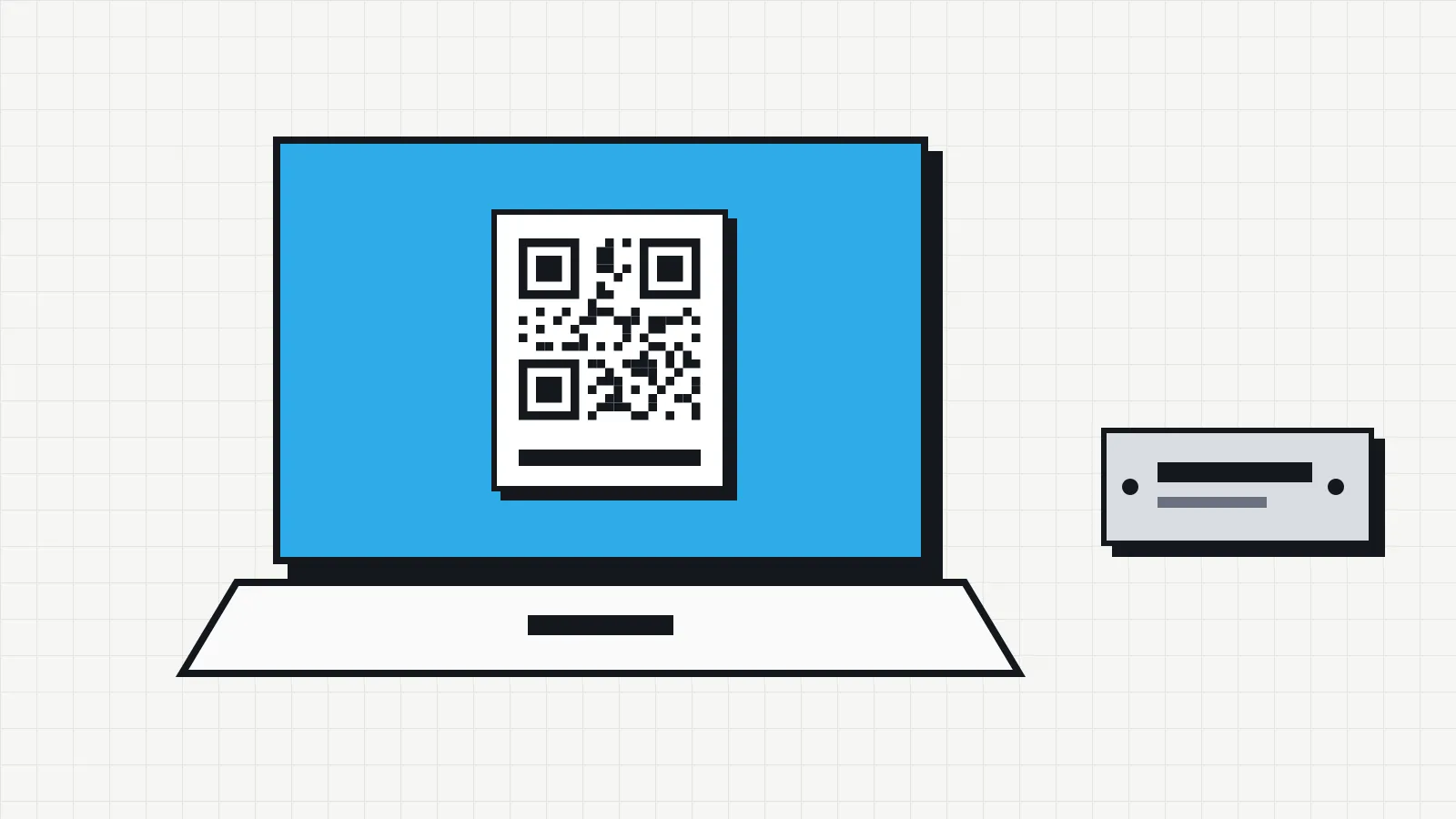
A step-by-step guide to numbering, labeling and tracking your company's IT equipment, with the differences between traditional asset tags and QR code labels.
How computers, laptops and printers are depreciated in the US, how MACRS works, when bonus depreciation, Section 179 or the de minimis rule lets you deduct the cost at once, and how to track it.
What to check on your company's computers and laptops every month, quarter, six months and year, with commands to check disk and battery health and a simple maintenance log.
A six-step plan to survey the company's computers, phones and software, confirm each item with the person who uses it and keep the IT inventory up to date.
Topics
Concepts, processes and metrics to know what the company owns, who has each device and how much it costs over time.
How to survey, organize and keep up to date the inventory of the company's computers, peripherals, phones and software.
Policies, roles and responsibilities that make IT assets traceable and connect asset management with the rest of IT operations.
From purchase to disposal: how to track costs, maintenance, depreciation and the right time to replace IT equipment.