Free IT inventory software: how to move off the spreadsheet without spending anything
Spreadsheet, open source or SaaS with a free plan? See what an IT inventory needs to record, what each free option really costs and how Invbox Free organizes up to 20 assets.
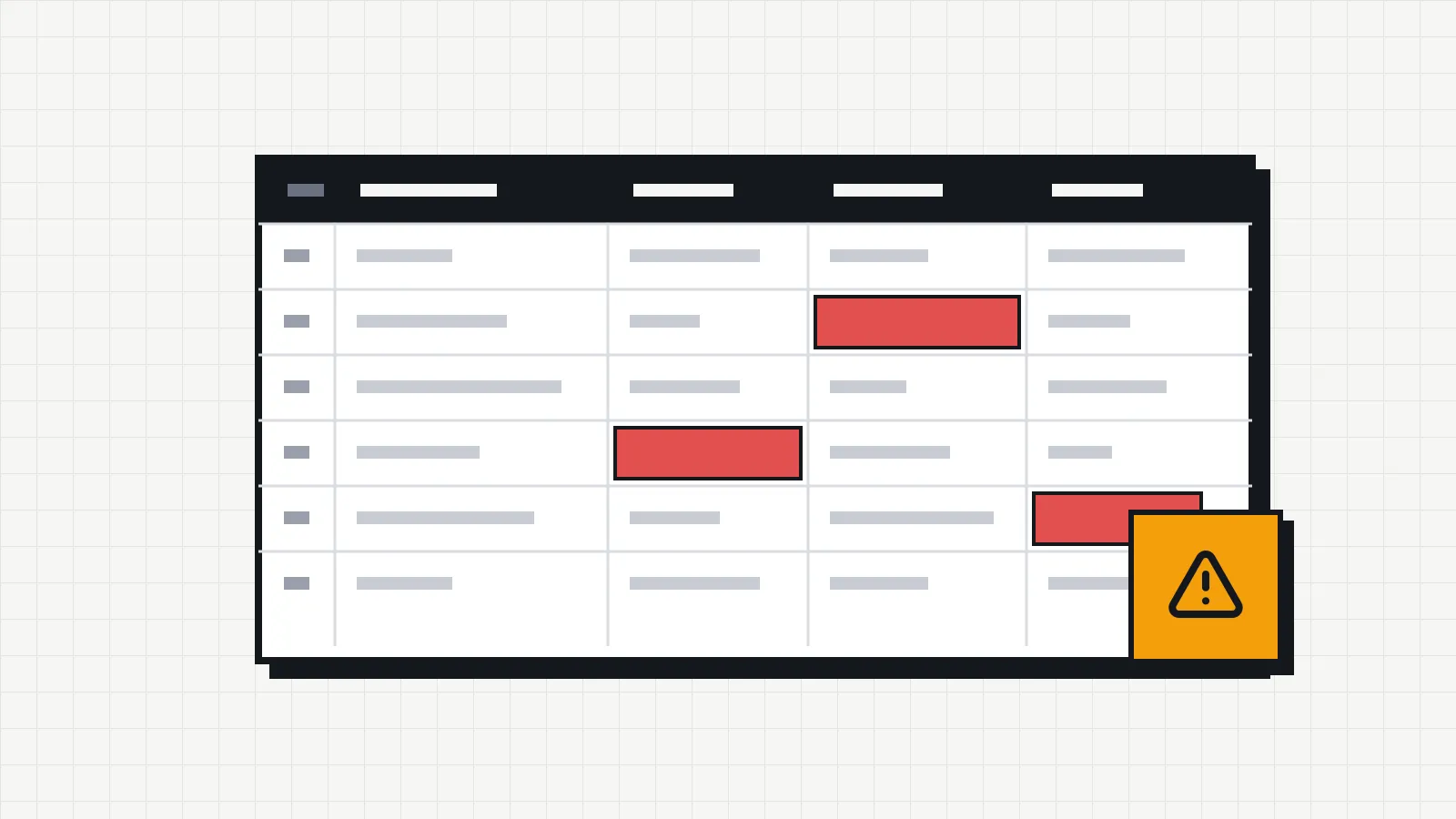
Almost every IT inventory in a small company starts in a spreadsheet. Someone lists the laptops, notes the serial number of some and the owner of others, and for a few months it works. Then an employee leaves, a device goes in for repair and never makes it back onto the list, a license expires and nobody notices. When someone asks how many computers the company has and who has them, the answer takes an afternoon of checking.
People looking for free IT inventory software usually want to fix this without starting an implementation project or asking management for a budget. Before choosing a tool, it helps to know what an inventory needs to record. There are options that cost nothing, and the Invbox free plan covers companies with up to 20 devices.
What an IT inventory needs to record
A useful inventory answers three questions about each device: what it is, where it is and who has it. Everything else helps you decide when to repair it, when to replace it and how much it is still worth.
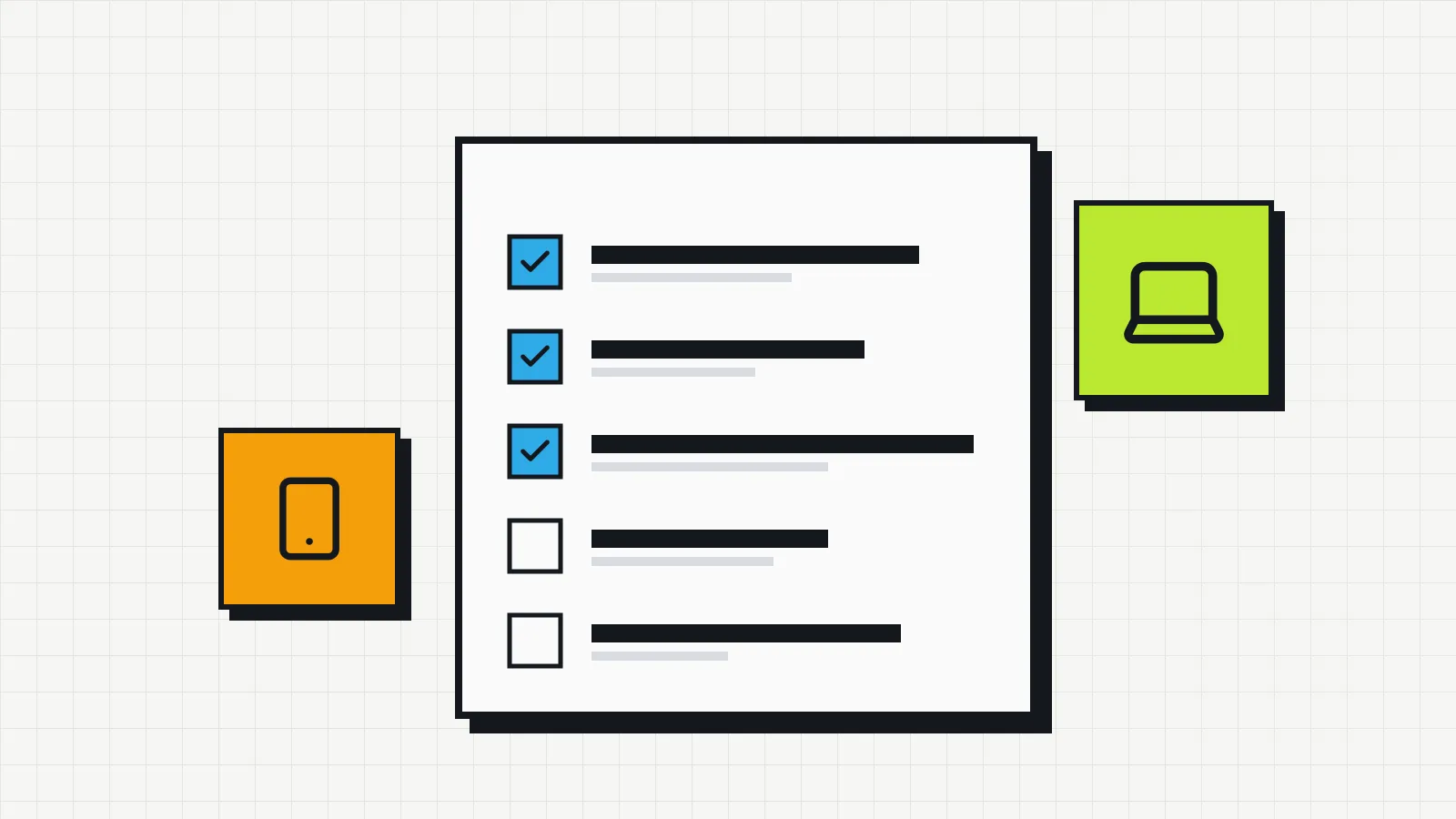
For each asset, that means keeping the name and category (laptop, phone, switch, UPS, software license), the serial number and asset tag, the owner, the location and department, the supplier, the invoice, the purchase date and price, and the warranty end date. For software, add the number of licenses. The guide on how to do an IT inventory goes through each field and the order of the survey.
Besides the current state, an inventory keeps the history of each device. Knowing that laptop PAT-0042 is with Ana today is of little use if nobody knows it used to be with Mark, that it was repaired in March and that the repair cost $380. Spreadsheets only keep the current state; each change overwrites the previous one. This and other limits are covered in the article on IT inventory spreadsheets.
There is also a compliance reason. CIS Controls v8 opens with two inventory controls, one for hardware and one for software, and ISO/IEC 27001:2022 includes control 5.9, which requires an inventory of information and other associated assets, each with an owner. In a security incident or a review under data protection laws such as the GDPR, the first question is usually where the data is and on which devices. Without an inventory, the company has no way to answer.
The free options and the cost that is not in the price
In IT inventory, free can mean three different things.
| Option | License cost | What it asks of you | Where it usually gets stuck |
|---|---|---|---|
| Spreadsheet (Excel, Google Sheets) | Zero | Discipline to update and check it | No history of changes, duplicate versions, no data quality warnings |
| Self-hosted open source software | Zero | Server, database, installation, updates and backups on your own | The administrator’s time; it usually makes sense for organized IT teams |
| SaaS with a free plan | Zero up to an asset limit | Creating an account and adding the devices | The plan limit; above it, a subscription |
The open source tools are mature and complete, but “free” applies only to the license. Someone has to keep the server running, apply security updates and look after the backups. For a 15-person company with no dedicated IT staff, that work usually costs more than a subscription.
A SaaS tool with a free plan solves the problem another way. There is nothing to install, and the company only pays if it grows past the limit. Invbox follows this model.
How Invbox works on the free plan
Invbox is IT inventory software offered as SaaS (software as a service), made for small and mid-sized businesses. The Free plan costs nothing and covers up to 20 assets. The account is ready in under two minutes, and the system runs in the browser, with no installation.
Each device gets a record with the fields that matter: category and subcategory, status, an asset number generated automatically with your company’s prefix (PAT-0001, PAT-0002…), serial number, owner, location, department, supplier, invoice, purchase date and price, and warranty end date. The warranty shows as a countdown of days left. If you already use asset tags, the article on IT asset tagging explains how to keep your existing numbers.
Assets fall into 11 ready-made categories, from computers and laptops to network equipment, infrastructure, software, cloud services and security. You can create your own subcategories, such as “Headset” under Peripherals. Each asset has one of four statuses: active, maintenance, inactive or disposed.
Every change becomes an event on the asset’s timeline. If a laptop gets a new owner, the record shows the change from Mark to Ana, with the date and time. Maintenance entries have a description, date and cost, and the dashboard adds up how much the company spent on repairs each month.
The dashboard has two features no spreadsheet offers. The inventory health panel gives the quality of your records a percentage score and lists the problems it finds, such as devices older than four years or with no supplier; one click opens the filtered list so you can fix them. The estimated asset value calculates depreciation by type of device and shows what your IT equipment is worth today compared with what it cost.
When to move to Pro
Twenty assets are enough for a small office, or for testing the system with your most important devices. Beyond that, the Pro plan costs R$ 9 a month (Brazilian reais) and raises the limit to 1,000 assets. Above 1,000, there is a Custom plan, priced on request.
| Plan | Price | Asset limit | Highlights |
|---|---|---|---|
| Free | R$ 0 | 20 | Change history, maintenance tracking, estimated depreciation and spreadsheet import (CSV and Excel) |
| Pro | R$ 9/month or R$ 99/year | 1,000 | QR code label for each asset, PDF and Excel export, batch import of up to 300 rows with smart column mapping |
| Custom | On request | Over 1,000 | Negotiated terms |
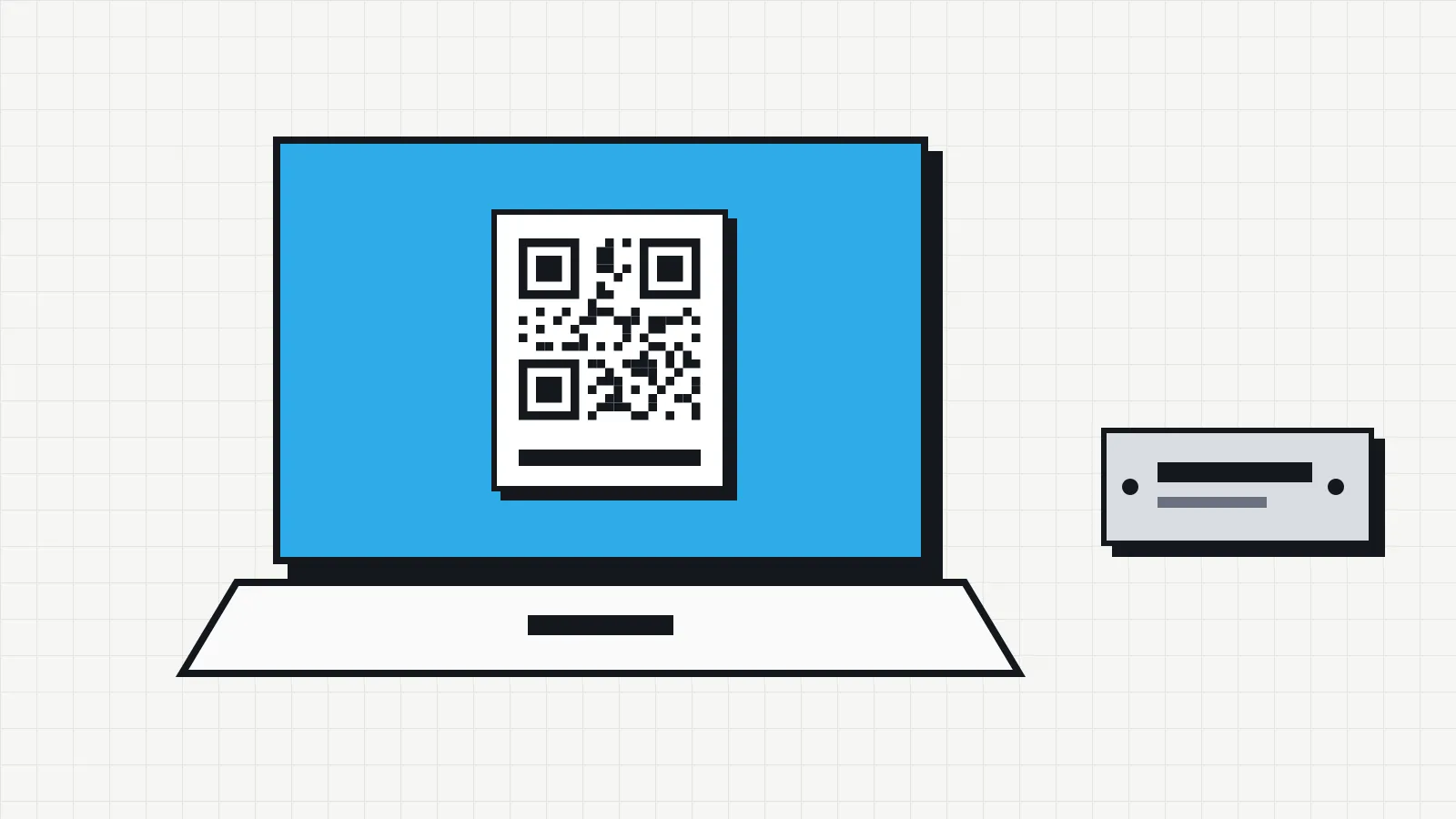
Pro adds the features that matter as the inventory grows. Spreadsheet import in CSV and Excel is already part of the free plan; on Pro it becomes batch import of up to 300 rows, with column mapping and a review of rows with errors before anything is saved, so a large spreadsheet moves over in one go. The QR code stuck on the device opens the asset record directly, and PDF and Excel exports follow the filters applied on screen, which makes it easy to take one department’s list to a meeting or to the accountant.
How to set up the inventory in an afternoon
- Create a free account at invbox.com.br and, in the settings, enter the company name and the prefix for asset numbers.
- Start with the items that are hardest to keep track of and essential to the company, such as laptops, company phones, servers and software licenses.
- In the asset list, create a new asset and fill in the name, category, serial number, owner and location. If you have the invoice at hand, record the price, purchase date and warranty end date.
- Open the dashboard and check the inventory health panel. Use it to complete records that are missing a supplier or other details.
- From then on, every change of owner, location or repair goes through the asset record. The history builds itself.
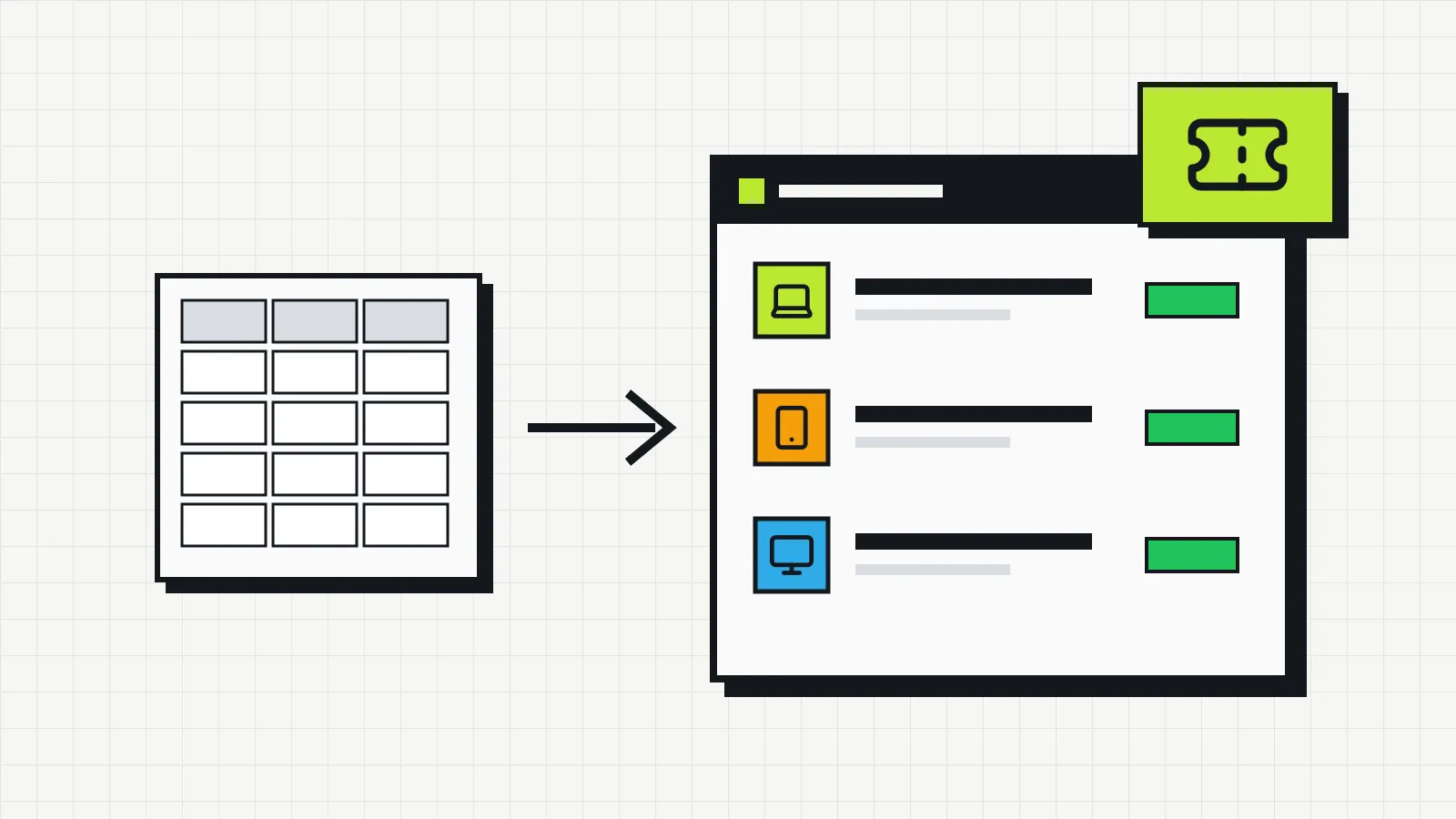
If you already have a spreadsheet, Invbox imports CSV and Excel files. Download the template and test it with five or ten rows before uploading everything.
Frequently asked questions
Does the Invbox free plan have hidden costs?
No. Free costs nothing and lets you register up to 20 assets. Billing only starts if you choose Pro.
Do I need to install anything?
No. Invbox runs in the browser, on a computer or a phone.
Does the system discover network devices on its own?
No. Assets are added on screen or by importing a spreadsheet. For small companies this is often an advantage: there is no agent to install on each machine and no network permissions to configure.
Can I track software licenses and cloud subscriptions?
Yes. The Software category records the number of licenses for each item, and there is a separate category for services such as Microsoft 365, Google Workspace and AWS.
Can I see how much my equipment is worth today?
Yes. The dashboard estimates the current value of each asset based on depreciation by type of device and shows the accumulated loss by category.
Start with what you already have
If tracking your equipment today depends on a spreadsheet or on someone’s memory, add your 20 most important assets on the free plan and let the dashboard build a picture of your IT equipment.