IT equipment depreciation: useful life, MACRS and how to calculate it
How computers, laptops and printers are depreciated in the US, how MACRS works, when bonus depreciation, Section 179 or the de minimis rule lets you deduct the cost at once, and how to track it.
For US federal tax purposes, computers and their peripherals are 5-year property under MACRS, the depreciation system the IRS uses for most business equipment. In practice, many small businesses never follow that five-year schedule: a laptop that costs $2,500 or less can be expensed if the business elects the de minimis safe harbor, and equipment acquired after January 19, 2025 qualifies for 100% bonus depreciation unless the business opts out. This article explains the tax rules, how book depreciation differs and how to calculate both. It uses the US as its reference; IFRS rules are covered briefly further down.
What depreciation is
Depreciation records the loss in value of an asset through use, wear and obsolescence. Instead of treating the full price of a laptop as an expense in the month it was bought, the business spreads that cost over the years the device will be in service. The cash left the account at purchase; depreciation allocates that cost to the results of each period.
Most businesses deal with two versions of it. Tax depreciation follows IRS rules and determines the deduction on the tax return. Book depreciation follows accounting standards and shows up in the financial statements. The numbers are often different, and that is normal.
Recovery periods for IT equipment
The recovery periods come from IRS Publication 946, which groups assets into classes:
| Equipment | Asset class | Recovery period (GDS) |
|---|---|---|
| Computers and peripheral equipment (laptops, desktops, servers, printers attached to them) | 00.12 Information Systems | 5 years |
| Copiers and other office machinery | 00.13 Data Handling Equipment | 5 years |
| Office furniture, fixtures and equipment, including communications equipment | 00.11 | 7 years |
| Off-the-shelf software | Section 167(f) | 36 months, straight line |
Phones and monitors are not named in the tables. Monitors are often grouped with computer peripherals, and phones could fall under communications equipment or another class depending on how they are used. Agree on the classification with your tax advisor and apply it the same way to every device of that type.
Computers stopped being “listed property” for equipment placed in service after 2017, and cell phones were removed from that category in 2010. That means you no longer need to keep the detailed business-use logs that listed property requires.
Deducting the full cost in year one
Before working through a five-year schedule, check whether one of these three rules lets you deduct the cost right away.
De minimis safe harbor. Under the tangible property regulations, a business can elect to expense items costing up to $2,500 per invoice or per item, or up to $5,000 if it has an applicable financial statement (such as audited financials). The election is made each year with the tax return, and it covers most mice, keyboards, headsets and many laptops.
Bonus depreciation. The law signed on July 4, 2025 (Public Law 119-21, commonly called the One Big Beautiful Bill Act) restored 100% bonus depreciation for qualified property acquired after January 19, 2025, with no phase-down. Unless the business elects out for a class of property, the full cost of the equipment is deducted in the year it is placed in service. Used equipment qualifies too, provided the business had not used it before, bought it, and did not buy it from a related party.
Section 179. Section 179 lets a business choose to expense qualifying equipment, including off-the-shelf software. The limit is $2,500,000 for tax years beginning in 2025, reduced dollar for dollar once total qualifying purchases pass $4,000,000. For 2026, the IRS adjusted those figures to $2,560,000 and $4,090,000 in Revenue Procedure 2025-32.
How MACRS works when you do depreciate
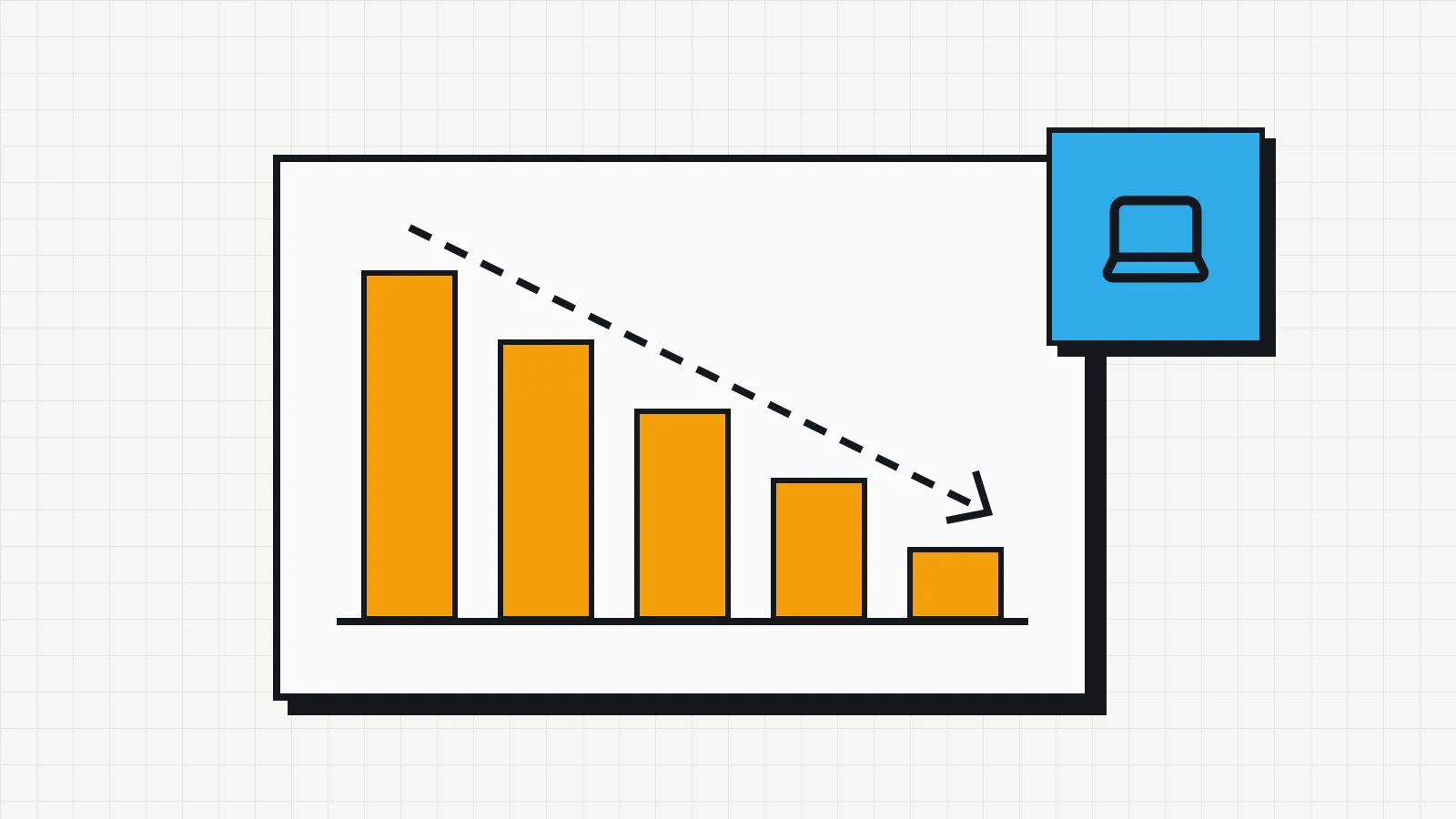
When you elect out of bonus depreciation, or the equipment does not qualify, 5-year property follows the general MACRS schedule: the 200% declining balance method, switching to straight line, with the half-year convention. The half-year convention treats every asset as placed in service in the middle of the year, which is why a 5-year asset is deducted over six tax years.
Publication 946 gives the percentages (Table A-1). For a $1,500 laptop:
| Tax year | MACRS rate | Deduction | Remaining basis |
|---|---|---|---|
| 1 | 20.00% | $300.00 | $1,200.00 |
| 2 | 32.00% | $480.00 | $720.00 |
| 3 | 19.20% | $288.00 | $432.00 |
| 4 | 11.52% | $172.80 | $259.20 |
| 5 | 11.52% | $172.80 | $86.40 |
| 6 | 5.76% | $86.40 | $0.00 |
One exception: if more than 40% of the year’s depreciable equipment was placed in service in the last three months of the tax year, the mid-quarter convention applies instead, with different percentages.
Book depreciation: straight line over the useful life
For the financial statements, the business estimates how long each type of asset will be useful and what it will be worth at the end, and spreads the cost evenly over that period. Under US GAAP, those estimates are the company’s own. Companies reporting under IAS 16, the IFRS standard used by listed groups in the European Union and many other countries, must review residual value and useful life at least at each financial year-end.
The formula for the straight-line method:
Annual depreciation = (cost − residual value) ÷ useful life in years
Monthly depreciation = annual depreciation ÷ 12
Cost includes the purchase price plus what it takes to get the device ready for use, such as shipping and setup. Depreciation starts when the asset is available for use, which is not always the invoice date.
Example with a laptop
A laptop cost $1,500, sat in stock for a few days and was handed to an employee in March 2025. The company estimates a four-year useful life with no residual value:
- annual depreciation: $1,500 ÷ 4 = $375;
- monthly depreciation: $375 ÷ 12 = $31.25.
Counting from March 2025:
| Date | Accumulated depreciation | Book value |
|---|---|---|
| Dec 31, 2025 | $312.50 | $1,187.50 |
| Dec 31, 2026 | $687.50 | $812.50 |
| Dec 31, 2027 | $1,062.50 | $437.50 |
| Dec 31, 2028 | $1,437.50 | $62.50 |
| Feb 28, 2029 | $1,500.00 | $0.00 |
The start month matters. If the laptop had stayed in its box for six months, depreciation would have started six months later. That is why the “in stock” status and the handover date in your inventory are useful to accounting as well.
Book value and when to replace a device
A laptop with a book value of zero can keep working well for years. The opposite also happens: a two-year-old device can be too slow for the person using it. The replacement decision depends on maintenance costs, warranty, operating system support and productivity, the criteria covered in the article on the IT asset lifecycle. In Invbox, the inventory health panel flags assets older than four years and opens their list, so the replacement review can start with those devices.
Book value helps with other decisions. Adding up the devices that reach the end of their useful life each quarter shows in advance when you will need to buy. And when an employee damages a device, it gives a more reasonable reference than the price of a new one, a topic covered in the article on the employee equipment agreement.
Tracking it without a depreciation spreadsheet
The data the calculation needs is the same data the inventory holds: asset type, purchase price and date, in-service date and disposal date. Keeping a separate spreadsheet only for depreciation doubles the work and creates two versions of the same number. Low-cost items that you expense right away can still be worth tracking, as the guide on IT asset tagging explains.
Invbox calculates an estimated depreciation for each asset from the purchase price and date in its record. The dashboard shows the initial value of your equipment, the estimated current value and the accumulated loss, by category and asset by asset. Disposed assets are left out.
That estimate follows its own rules: rates vary by asset type and the value never falls below 15% of the original price, as the dashboard itself notes. The result will not match your tax schedule or your book depreciation. The estimate is meant for tracking the value of your equipment and planning purchases. The accounting entries stay with your accountant, who works with the methods and conventions your company has chosen.