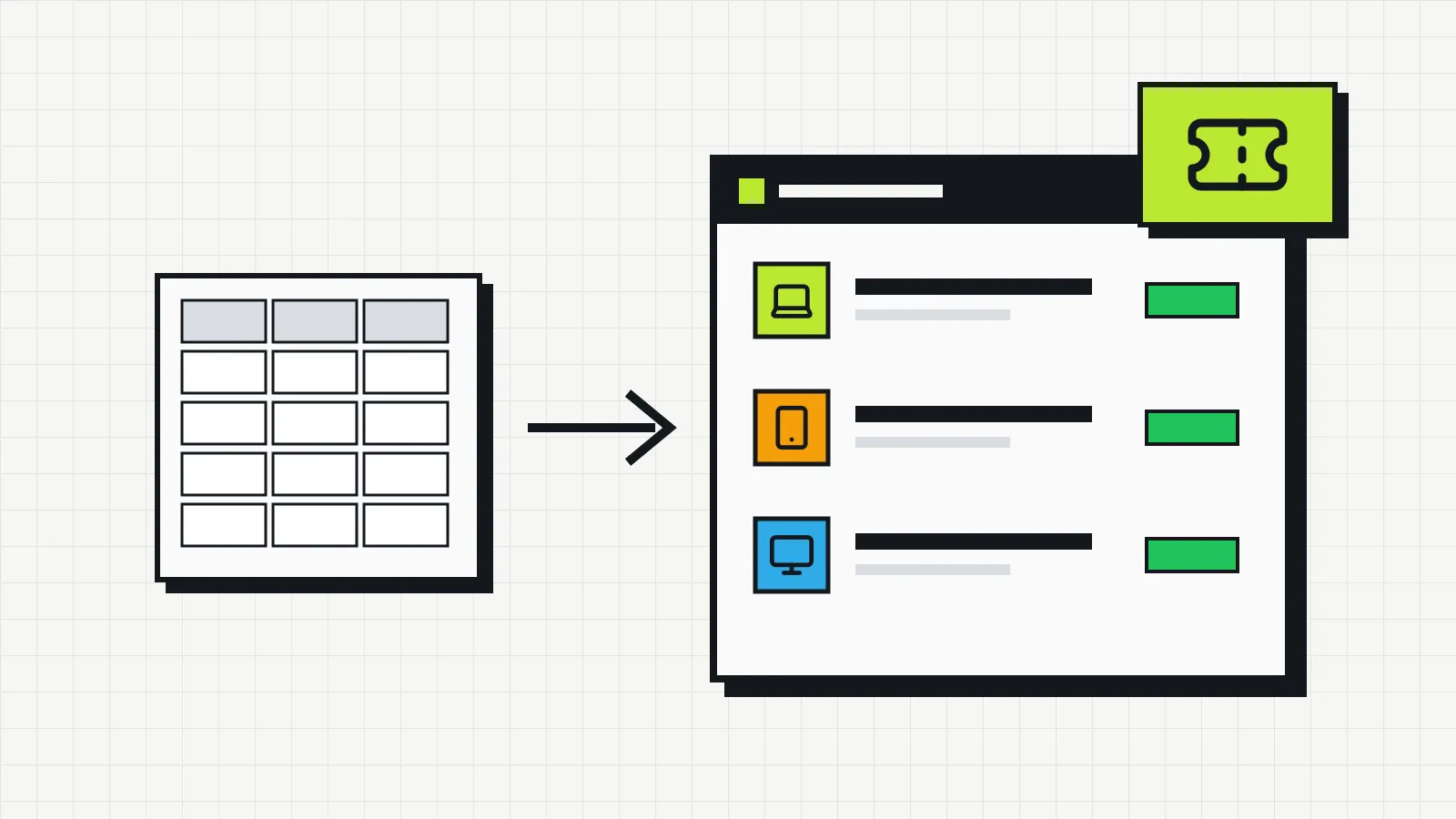
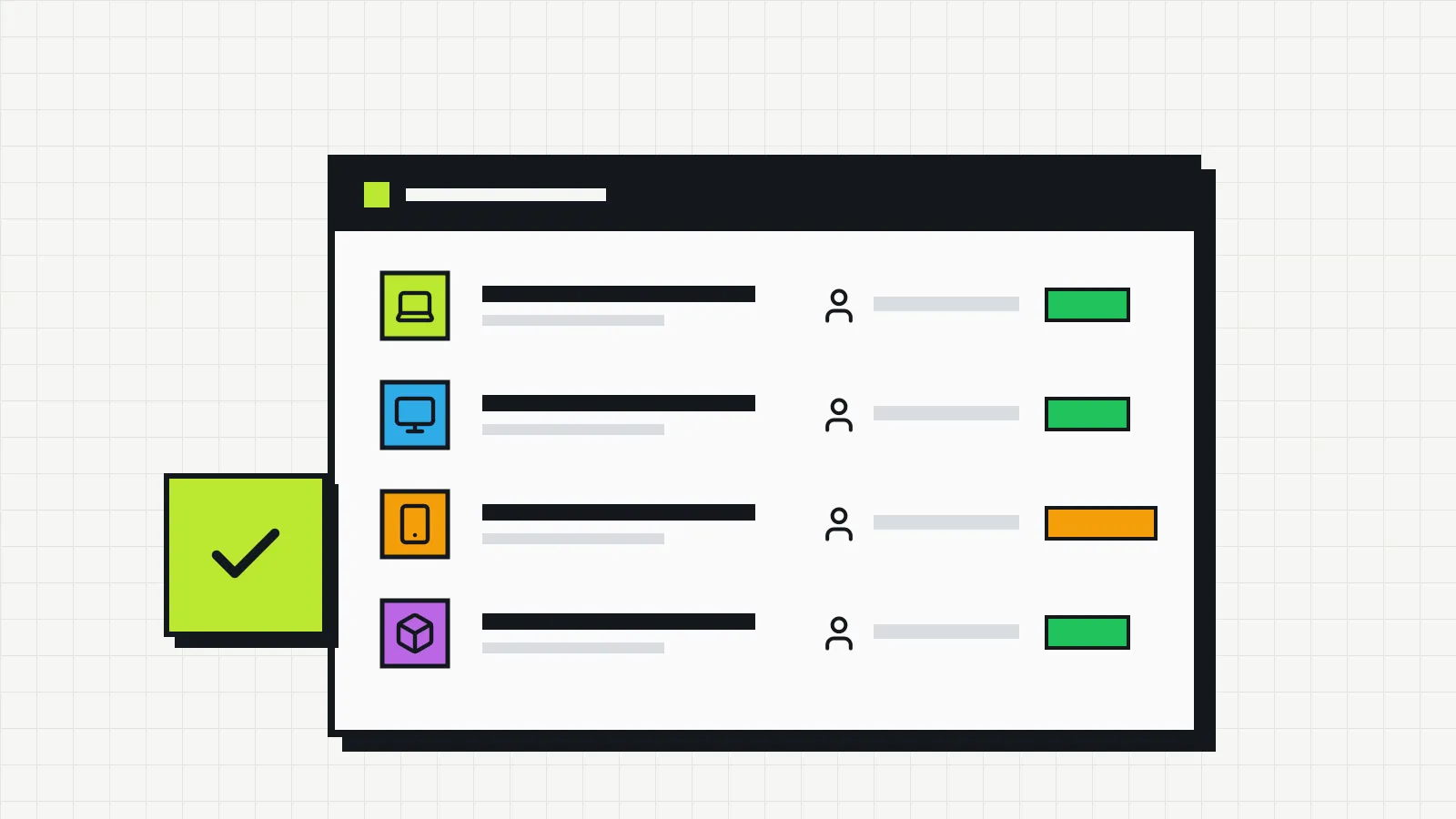
IT inventory spreadsheets: their limits and when to switch
A spreadsheet works for the first inventory, but over time it tends to lose history, owners and reliability. See the signs that it no longer does the job and what the alternatives are.
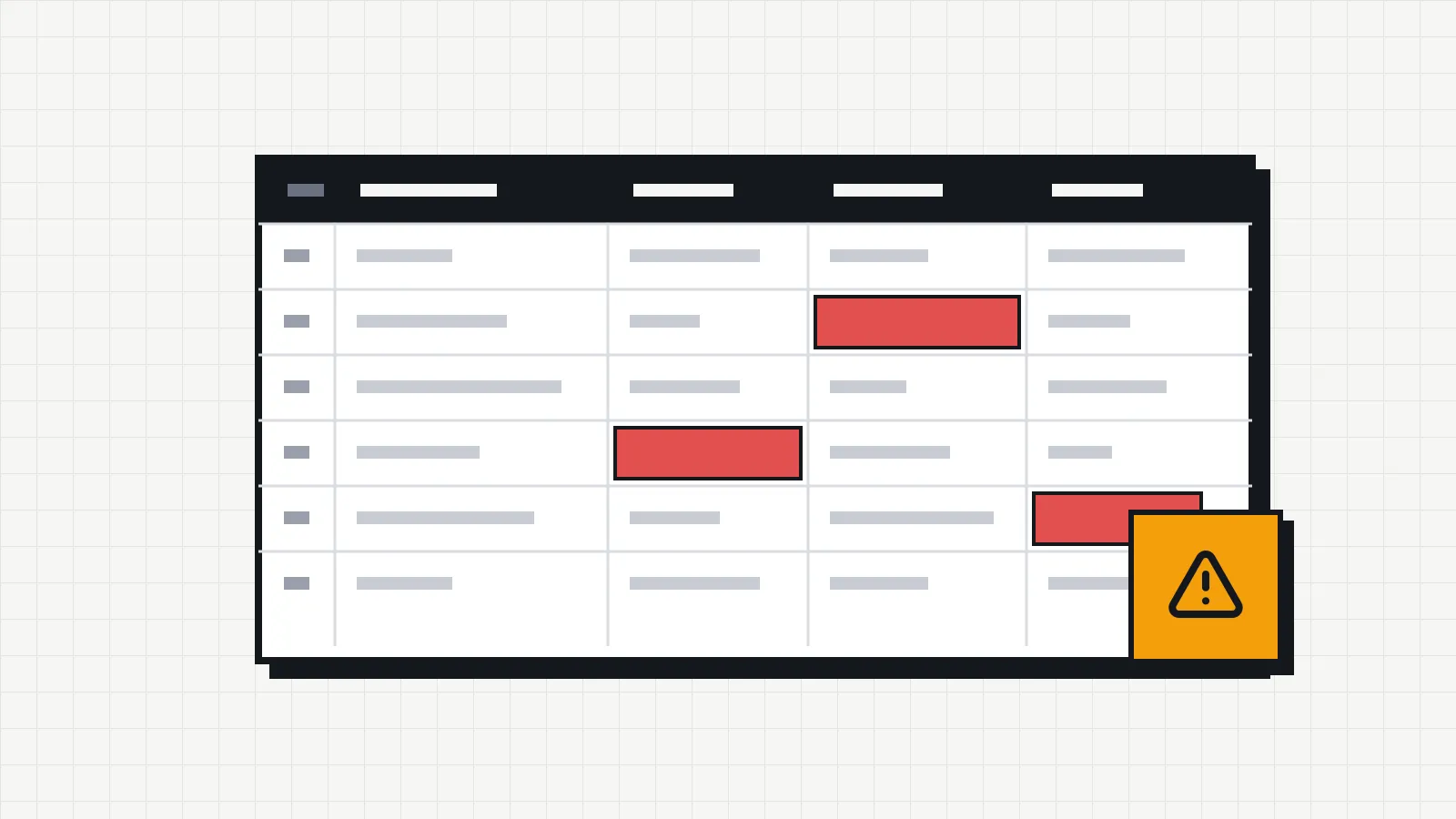
A spreadsheet is the most common way to start an IT inventory, and for good reason: everyone knows how to use one, it costs nothing extra and it is ready in minutes. The problem shows up months later, when it has several tabs, columns nobody understands and a constant doubt about whether the information is still correct.
This article is not against spreadsheets. It lists what they do well, where they start to fail and which signs show it is time to change.
What a spreadsheet does well
- The first survey. To record what exists today in one go, a spreadsheet is fast and flexible.
- Few items and one person in charge. With 15 or 20 devices and a single person responsible for updates, it usually copes.
- One-off analysis. Filtering by model, adding up purchase prices, building a chart for a meeting.
If your company is in this situation, a spreadsheet may be enough. The guide how to do an IT inventory lists the recommended fields to start with.
Where it starts to fail
History gets lost
When a laptop moves from one person to another, someone deletes the old name and types the new one. The spreadsheet shows the current state, but not how it got there. If the device comes back with a broken screen, there is no record of who had it the week before.
You can add a tab for changes, but it depends on someone remembering to fill it in every time. In practice, it is the first thing people stop doing.
Several versions of the truth
“IT_Inventory_final.xlsx”, “IT_Inventory_final_v2.xlsx”, the copy someone downloaded to work offline. Even with the spreadsheet in the cloud, duplicated tabs and filters saved by different people lead to different readings of the same data.
Nobody owns the updates
In a shared spreadsheet everyone can edit, so nobody feels responsible. Updates get postponed, and “later” turns into the next audit.
Inconsistent data
“Laptop”, “laptop”, “LT” and “Notebook” in the same column. Dates in different formats. A serial number with a trailing space, so the search never finds it. Data validation helps, but it is rarely set up from the start.
No alerts
A spreadsheet does not warn you that a device’s warranty expires next month or that a maintenance task is overdue. The dates are recorded, but they only help if someone filters the column at the right moment. Warranty, maintenance and replacement are stages of the IT asset lifecycle, and following that lifecycle takes dates that send reminders, not dates that just sit in a cell.
Signs it is time to switch
Consider another tool if two or more of these happen often:
- You cannot say with confidence who has a specific device.
- An employee left without returning a device, and nobody noticed until later.
- More than one inventory spreadsheet is in circulation.
- A warranty expired without anyone noticing, and the repair had to be paid for.
- Answering an audit or a request from accounting meant checking everything again.
- More than one person updates the inventory and their changes conflict.
Alternatives
A spreadsheet with stricter rules. Data validation on the columns, a protected tab for changes, a single person allowed to edit. It solves part of the problem, but still depends on manual discipline.
Form plus spreadsheet. Handovers and returns are recorded through a form that feeds a history tab. It reduces typing errors, but someone has to maintain the formulas that build the current view.
An asset management system. Dedicated tools record every change automatically, keep a history for each device and send alerts about warranties and maintenance. Compare the setup effort and the cost with the size of your operation: solutions built for large enterprises can be too complex for a company with a few dozen devices.
How to migrate without losing what you have
- Clean up the spreadsheet first. Standardize device type names, fix date formats and remove duplicates by serial number.
- Pick the source of truth. If there is more than one version, decide which one counts and discard the rest.
- Spot-check. Before importing, physically check a sample of devices to measure how out of date the spreadsheet is.
- Import and freeze. After the import, make the spreadsheet read-only and add a note saying it is no longer updated.
Changing tools does not fix a process that does not exist. What keeps an inventory reliable is the rule of recording each change when it happens, as we explain in what IT asset management is.